English
Adding a Signature on a Document Already Signed
Adding a Signature on a Document Already Signed
Here’s how to do it in eZsign:
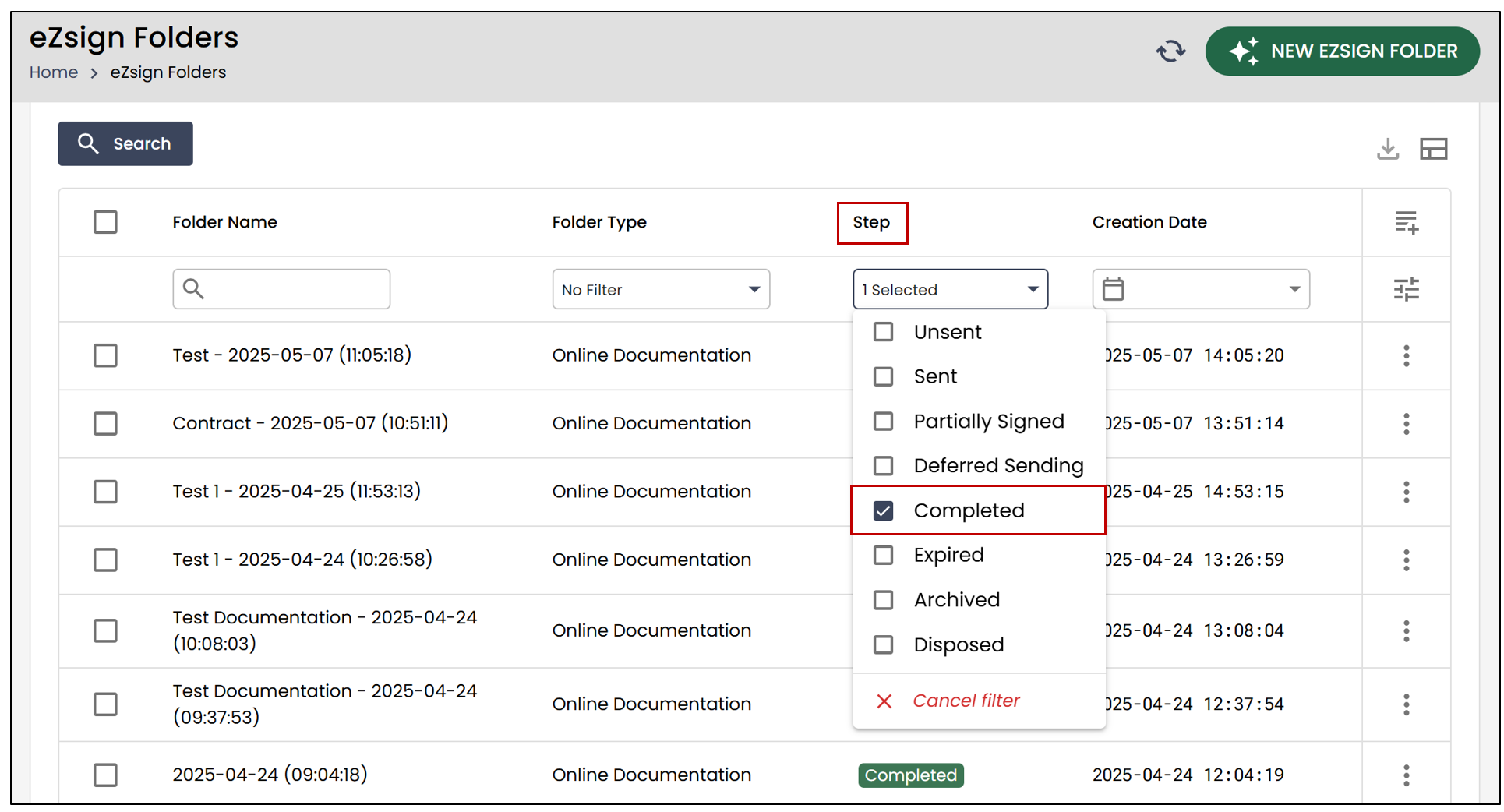
- From the main menu, select eZsign Folders , then in the Step section, select the Completed filter.
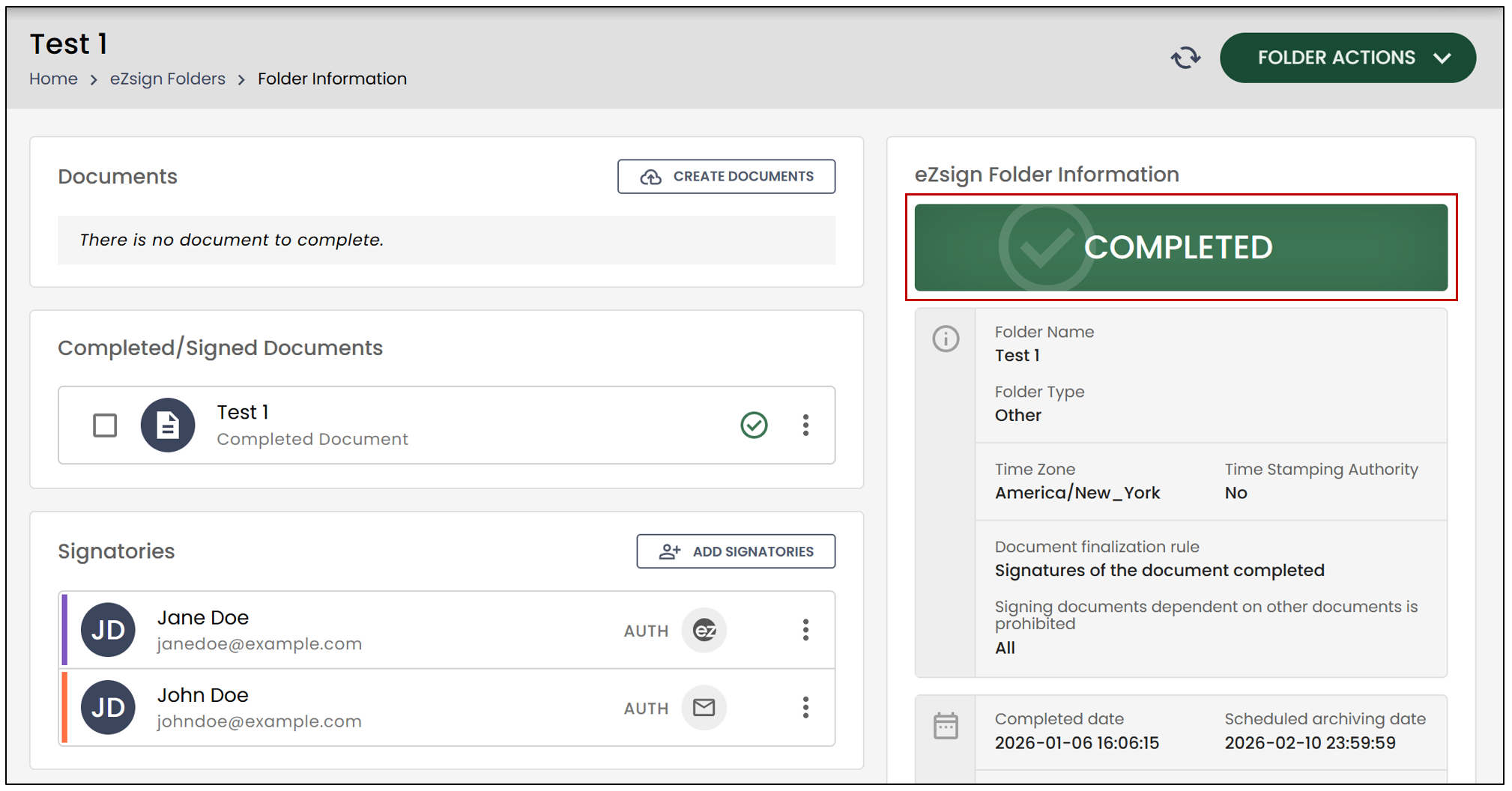
- Select the desired completed folder. You will be able to see its step on the right.
- To add a signature to a document, you will need to select the

icon, then click Sign Again.
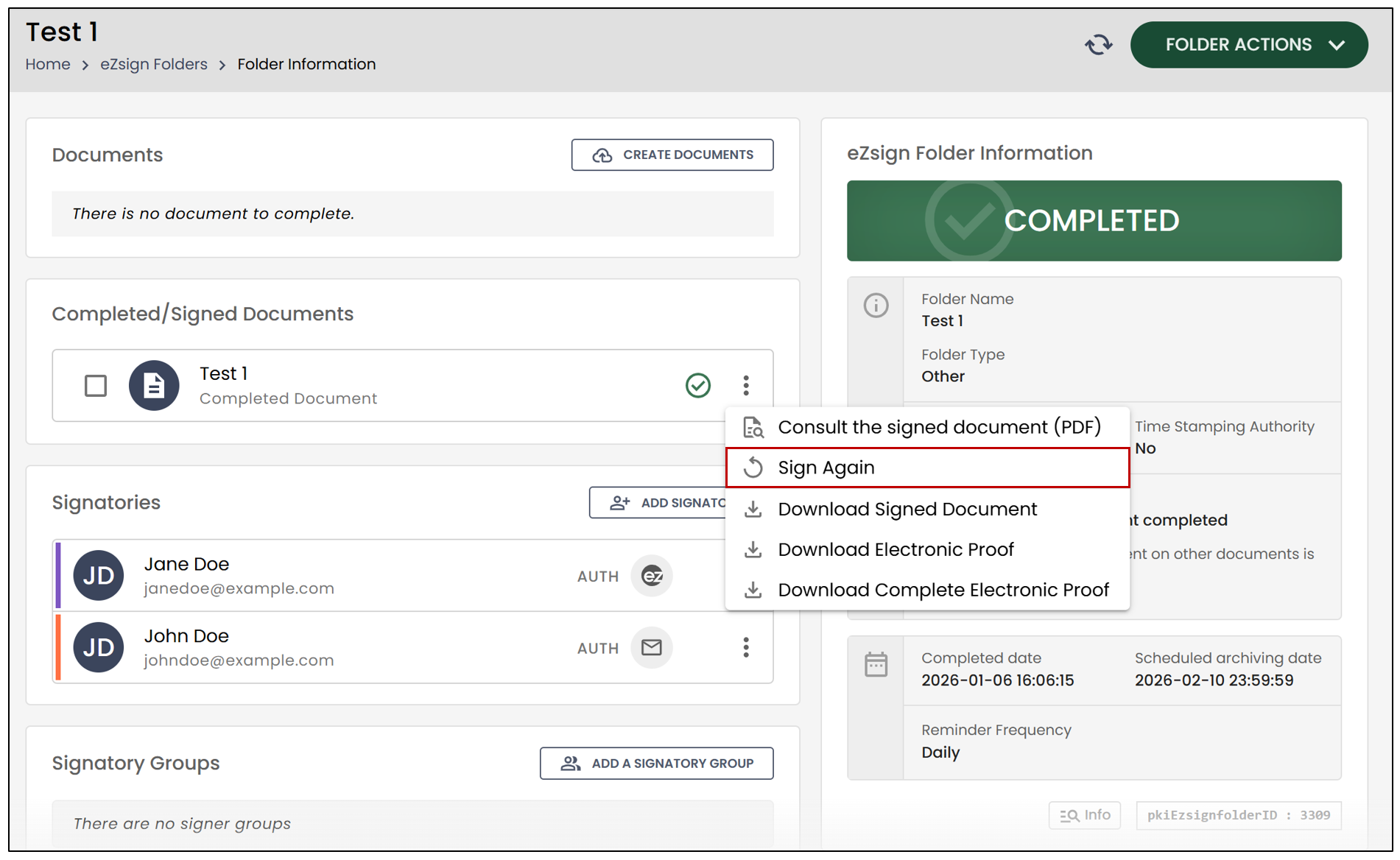
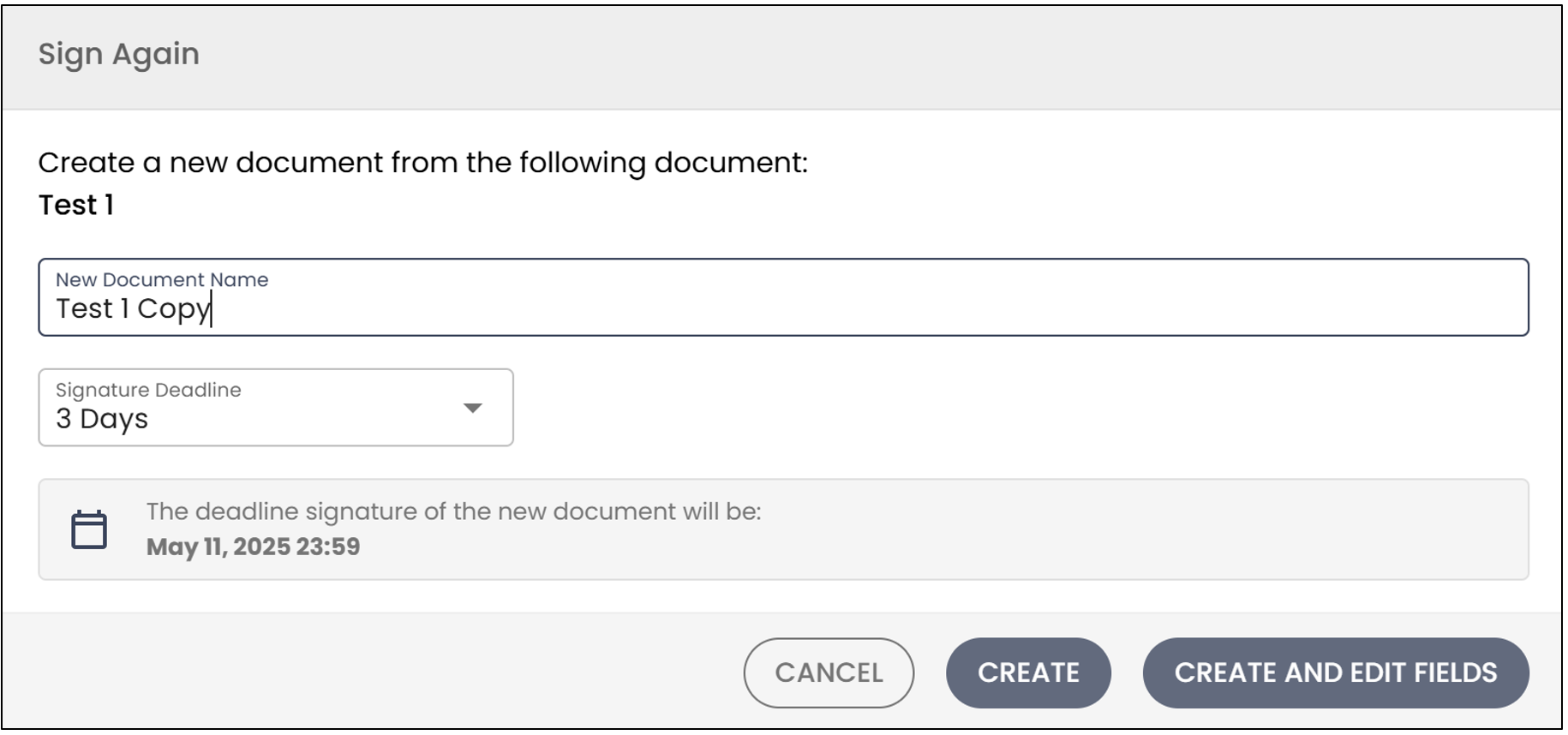
This will allow you to create a new document. You will be able to modify its name, as well as the signing deadline.
If you want to edit or add fields, click on Create and Edit Fields.
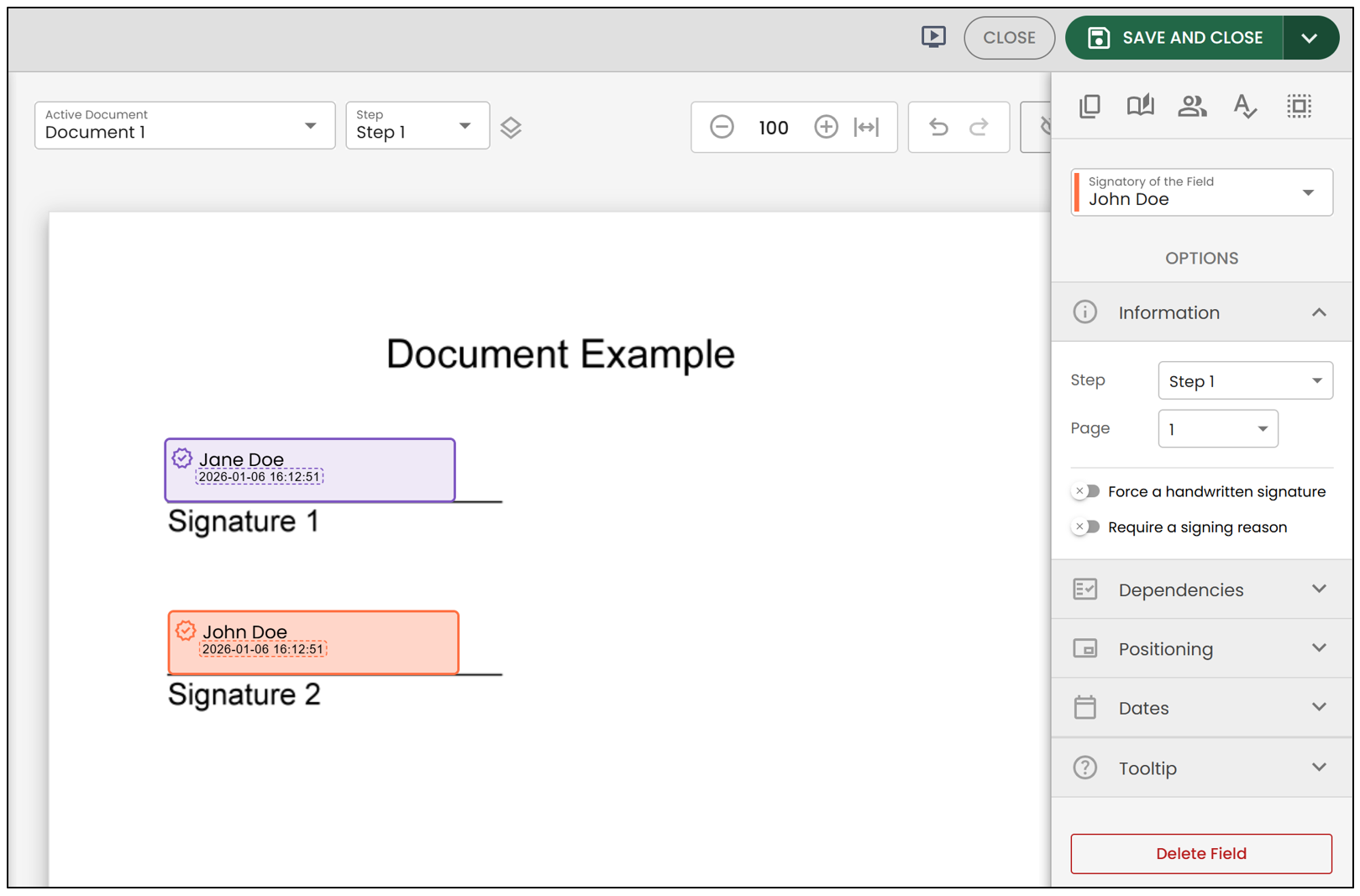
When you’re finished, click the Save button located at the top right of the page.
The new document will then be added to the eZsign folder, and all other documents will be preserved.
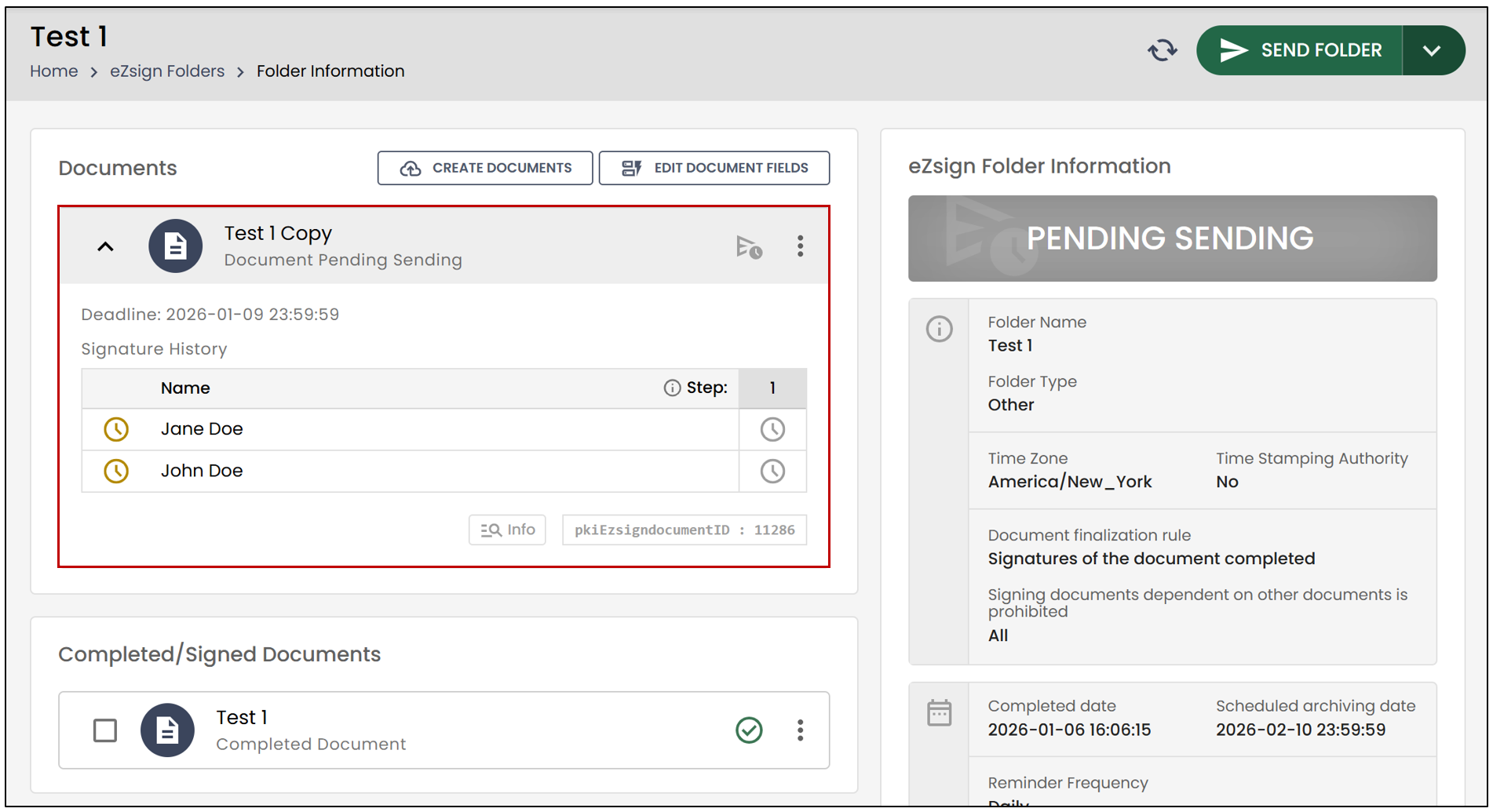
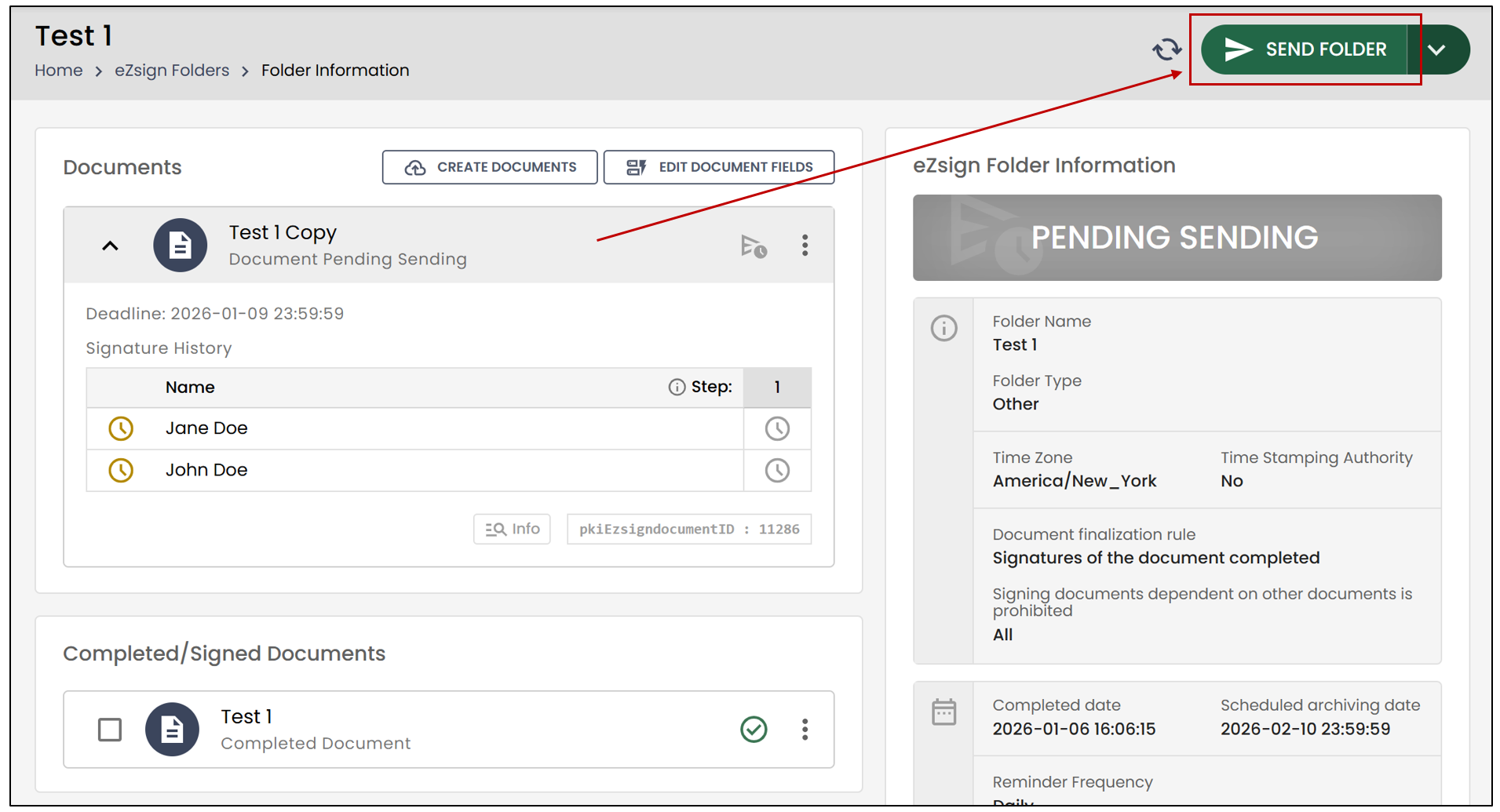
- Click Send Folder to allow the signers to sign the new document.