English
How to navigate in the eZmax Knowledge Base (for Admins)
You are currently in the eZmax Knowledge Base for office administrators.
Here are some tips to make your navigation easier.
How to use the Search
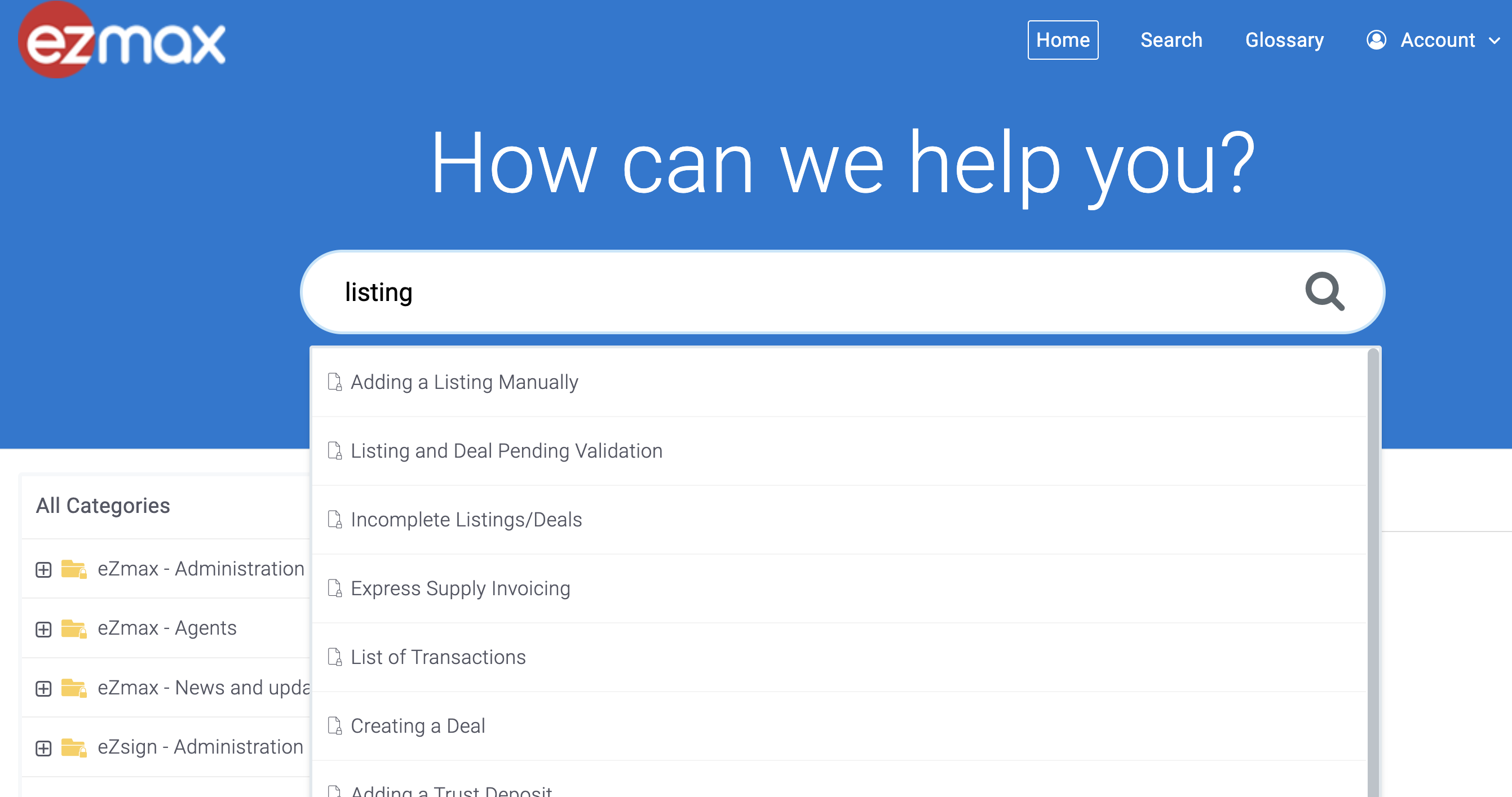
Enter a keyword in the search engine and then click on the article you wish to consult.
NOTE : You must enter a minimum of 4 letters in the search bar to get results.
Here is an example of a search using the word "listing".
Access all articles from the main menu
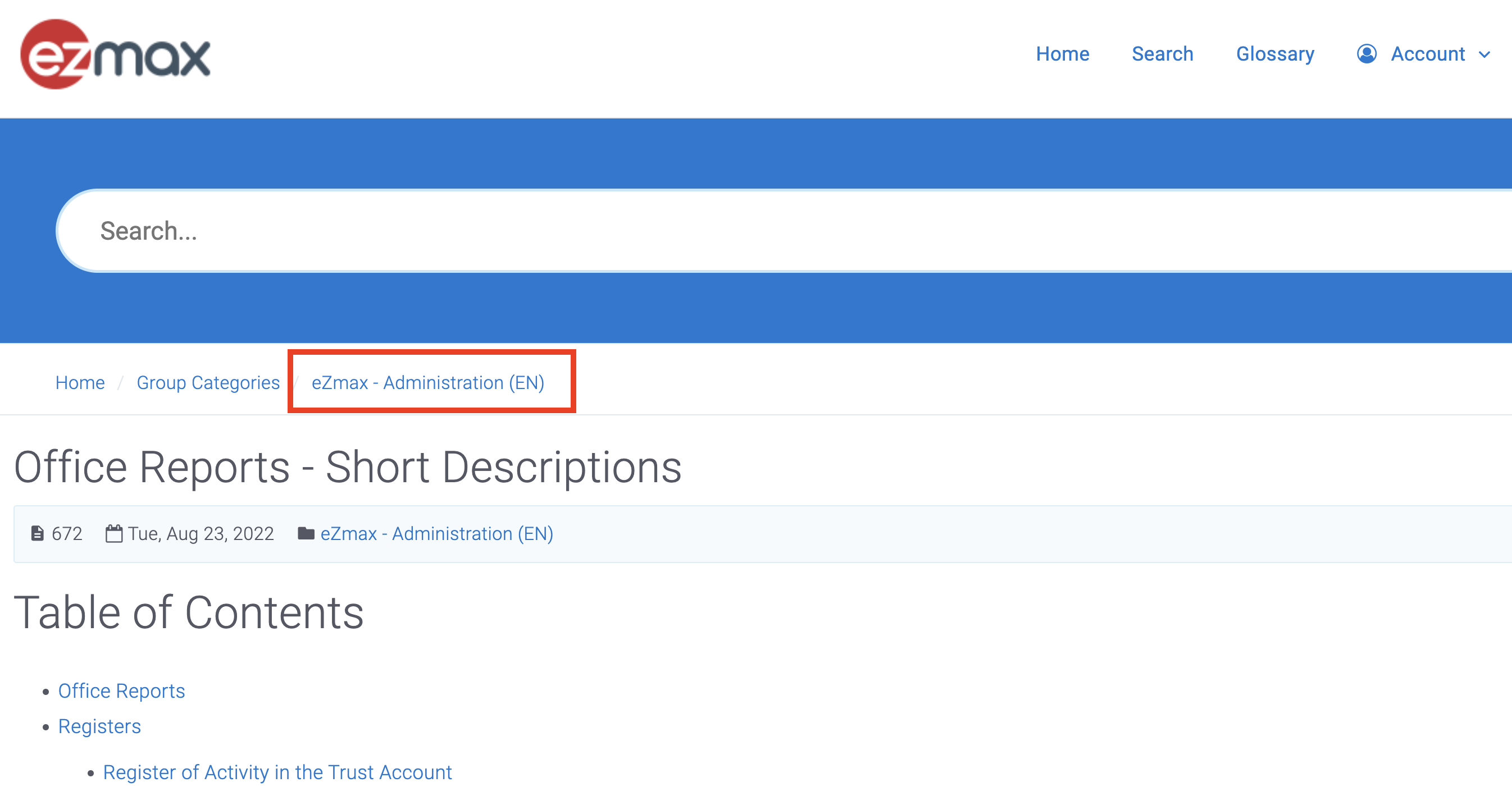
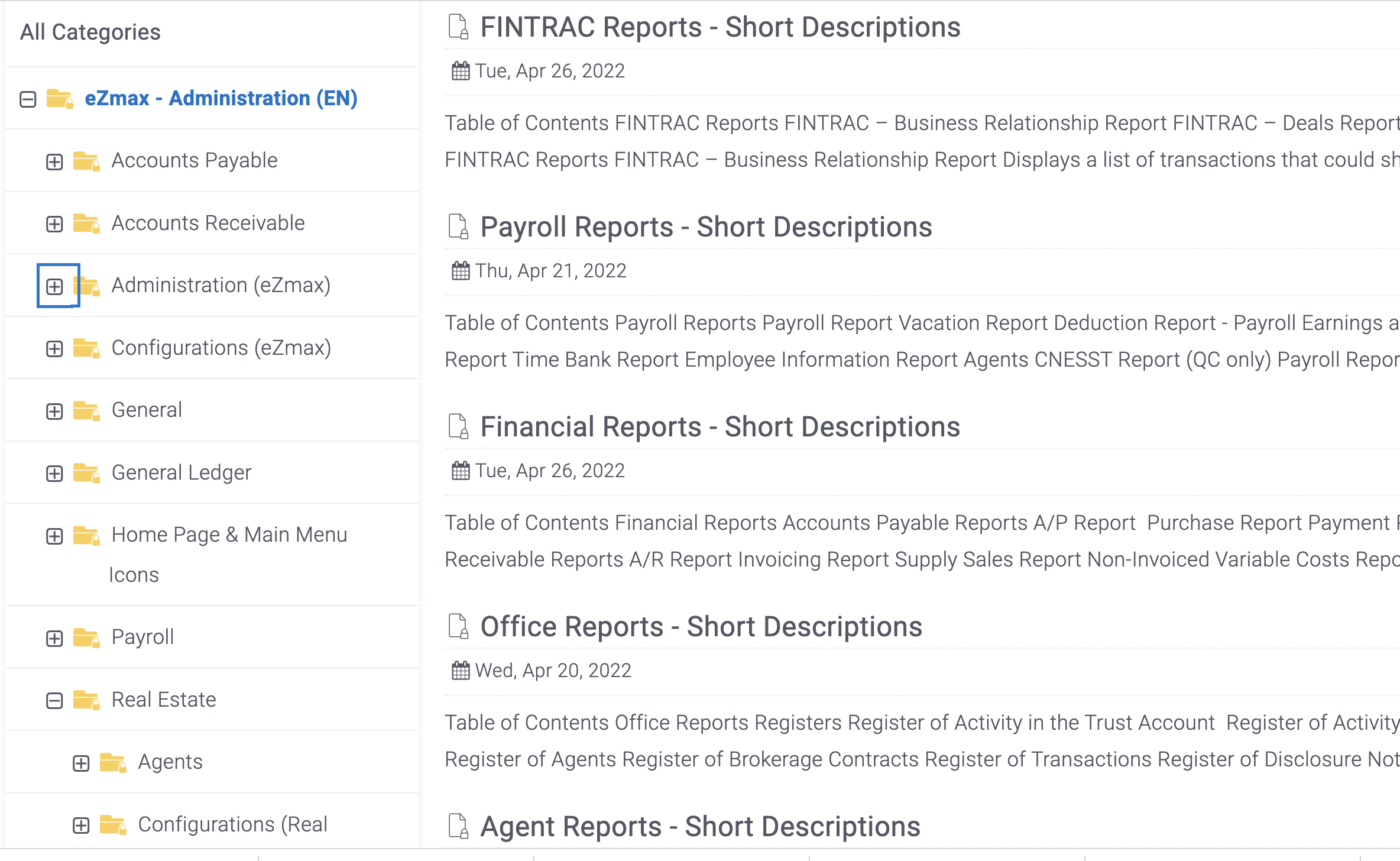
Simply click on eZmax Administration (EN) to see the list of all online articles.