

English
Adding/Editing a Variable Cost
It is possible to add a variable cost in the system to be able to reinvoice a purchase to agents/clients.
Adding a Variable Cost
From Main menu >> Accounts Payable >> List of Variable Costs.
Click on Actions >> New Variable Cost.
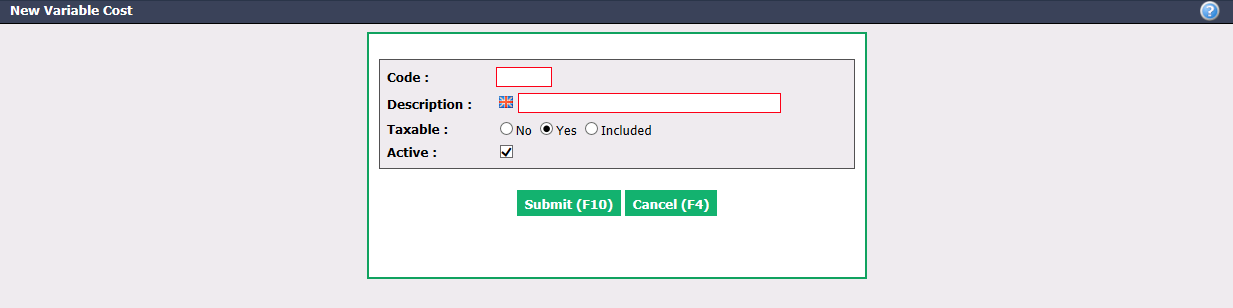
Create a Code and enter a Description of the variable cost in English as well as in French.
Taxable : Indicate whether the variable cost is taxable, non-taxable or if taxes are included.
Active will be checked when the variable cost is active. To inactivate a variable cost, uncheck this box.
Click on Submit and the variable cost will be added in the system.
Editing a Variable Cost
To modify an existing variable cost, select it from the List of Variable Costs.
Make the desired changes and click on Submit to save them.