

English
Agent User
When an agent uses the eZmax platform, it is possible to see and change the user sheet, such as the login information.
- From the agent’s profile, go to the section just below his/her photo.
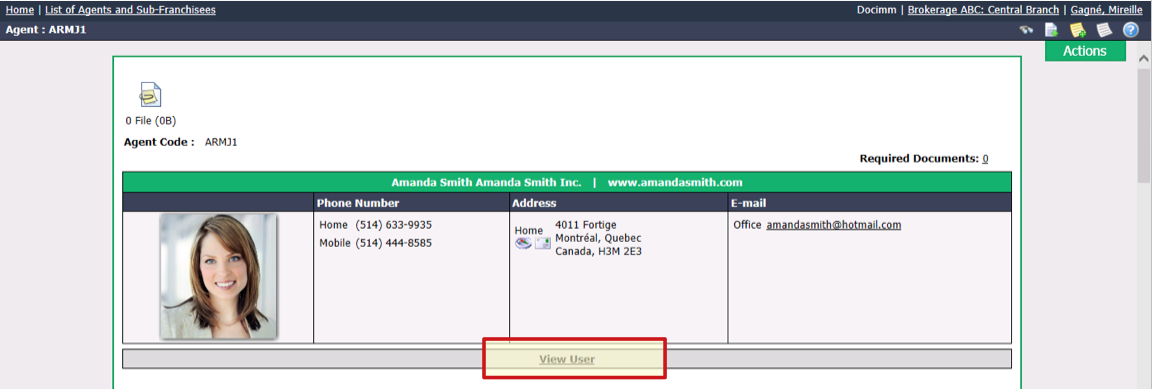
- Click on View User.
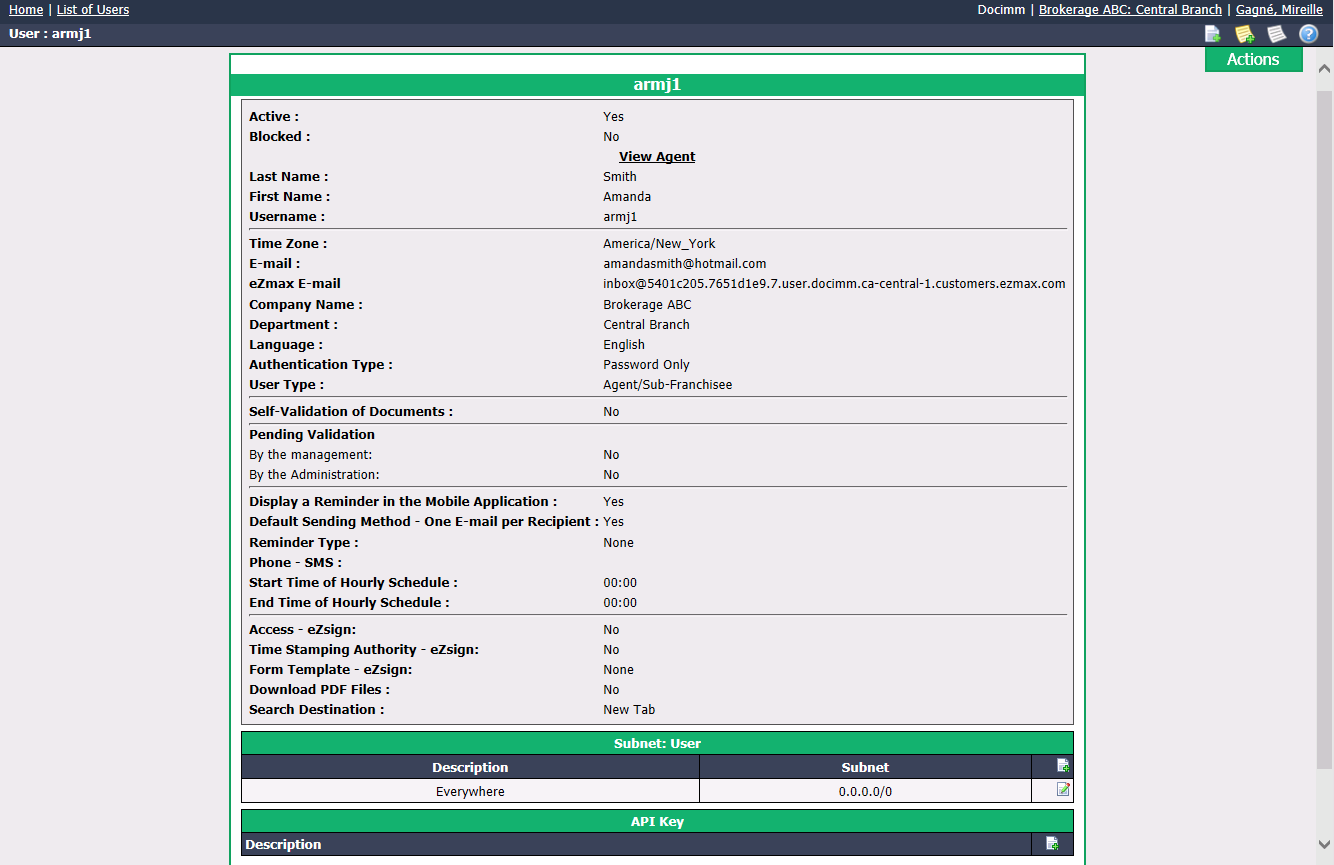
NOTE: The e-mail address that appears in the eZmax user’s profile is the one that is used for eZsign (if applicable) while the e-mail address that appears in the agent’s profile is the one that is used to send invoices, slips, reports, etc.
- From the Actions menu, you have the option to:
- Edit User: For more information, please see the article Adding/Editing a User.
- Reset Unique Key for eZmax E-mail: (Infos à mettre ???)
- Manage Authorizations: For more information, please see the article Authorization Management of an Admin User.
- View Sessions History: Allows you to see, among other things, the login and logout times of the eZmax user.
- Change Password: For more information, please see the article Resetting a User Password.