

English
Adding/Editing a Function
It is important to create at least one function in the system in order to be able to use the payroll module, especially if you use the "Hourly Rate" option when preparing pay.
Adding a Function
From Main menu >> Payroll >>List of Functions.
Click on Actions >> New Function.
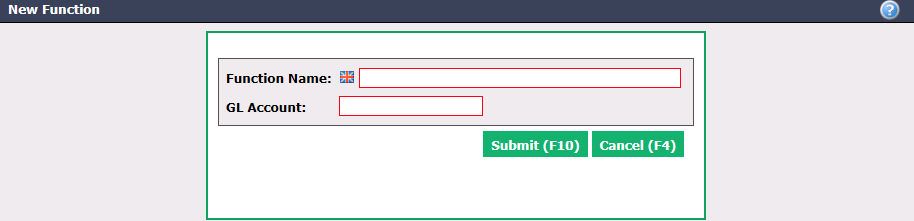
Enter the Function Name in English as well as in French.
Determine the GL Account for this salary function.
Click on Submit and the function will be added in the system.
Editing a Function
To modify an existing function, select it from the List of Functions and click on Actions >> Edit Function.
Make the desired changes and click on Submit to save them.