English
The Importance of Archiving Notarized Sales Folders (eZmax Admin)
Without archiving folders, the system must process a larger amount of data, which slows down searches and may affect overall performance.
To archive a folder, select the

icon >> Real Estate >> Real Estate Configuration >> Archive Closed Deals.
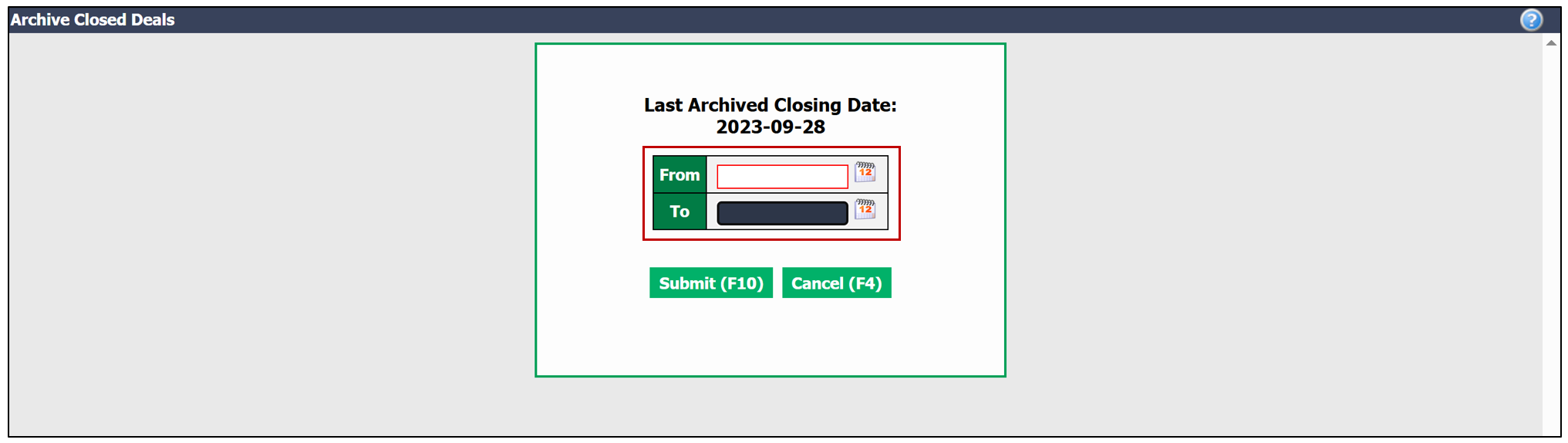
- Enter the desired period, and the system will automatically propose all folders to be archived.
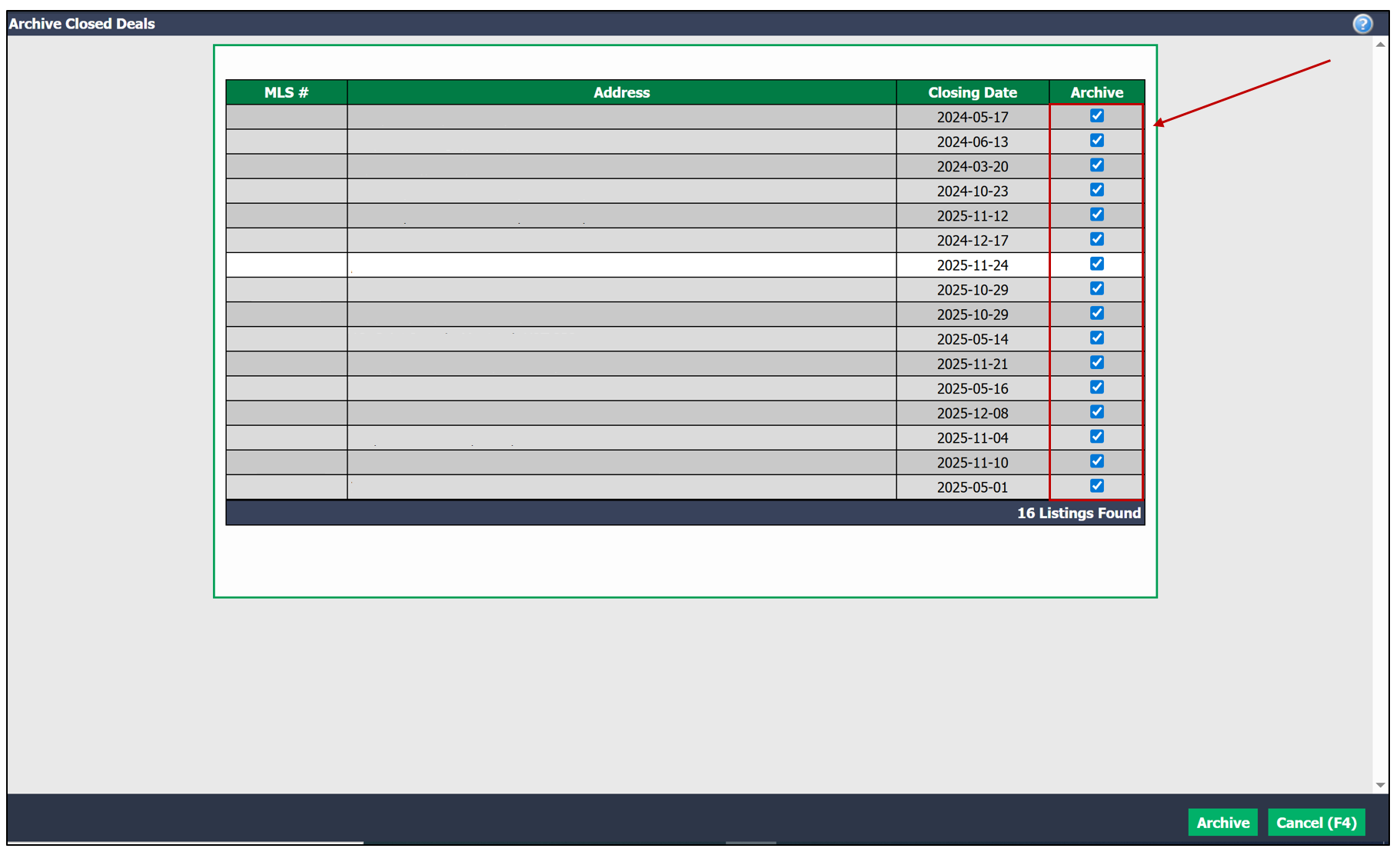
- Select the folders you wish to archive.
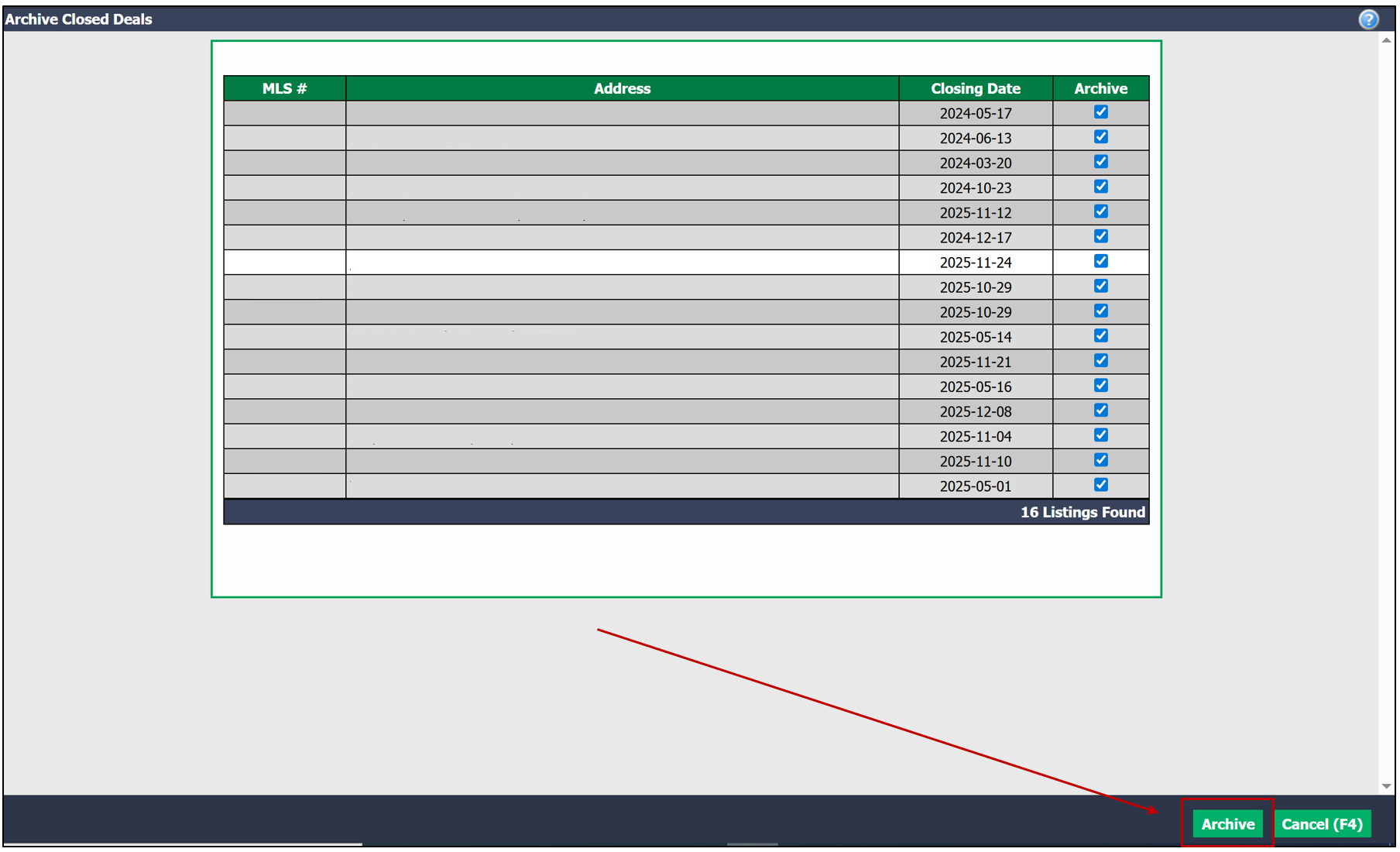
- Click Archive. Archiving helps improve the speed of operations and optimize the overall performance of your system.
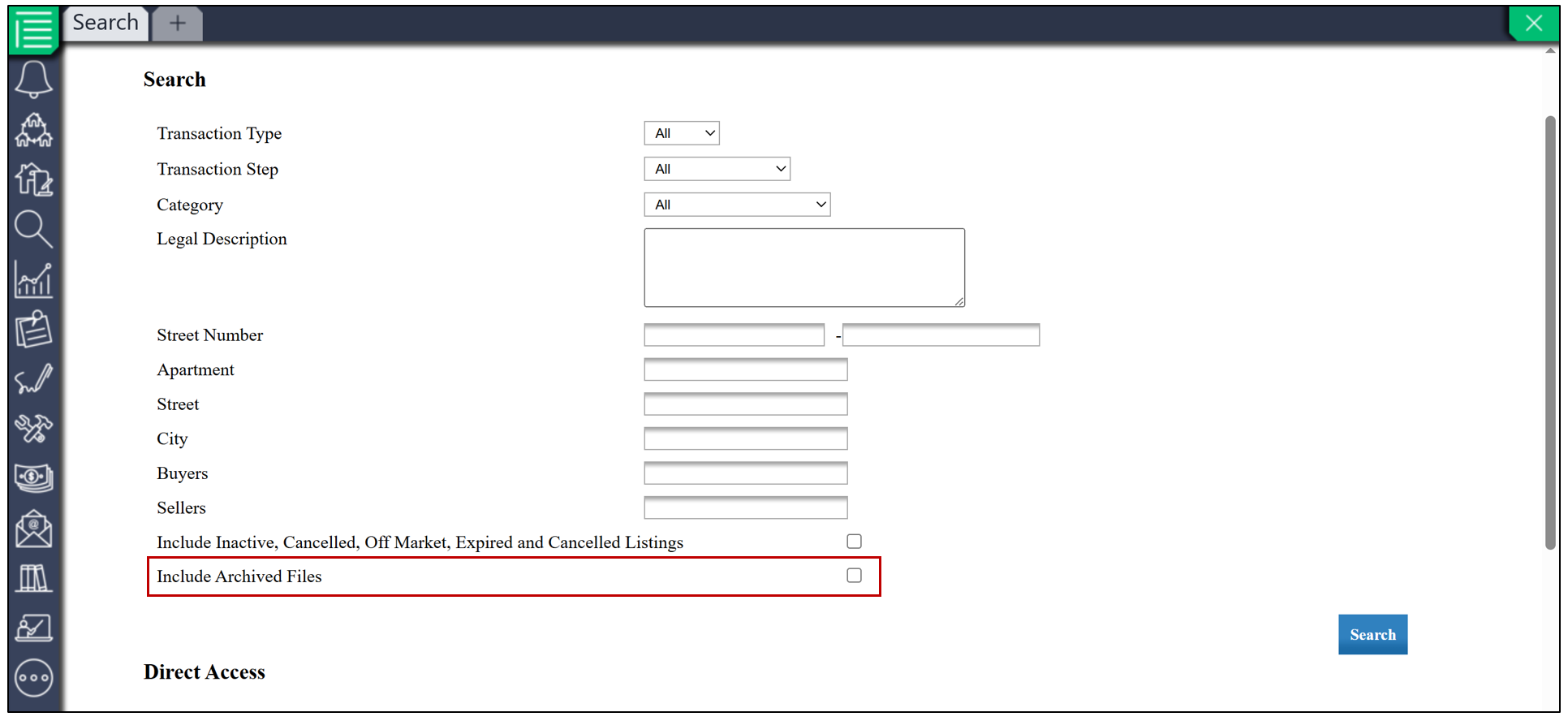
NOTE: During searches, archived folders remain accessible. To display archived folders, check Include Archived Files.