English
List of Templates
When you save a template (which contains only fields) or a standard document (which contains fields and a document) in each of the types of templates to which you have access, it is automatically added to the list of templates.
- From Main menu >> General >> List of Templates - eZsign.
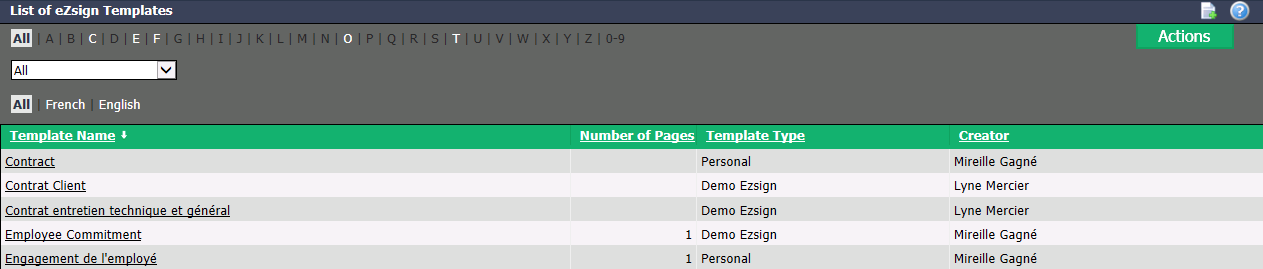
You will be able to see the Template Name , the Number of Pages (for the standard documents only), the Template Type and the Creator of each template.
You can filter the templates by type (from the drop-down list) or by language.
If you want to get the list in Excel format, click on Actions >> Excel Icon. Click on Open or Save.
Click on the desired Template Name to display its information.
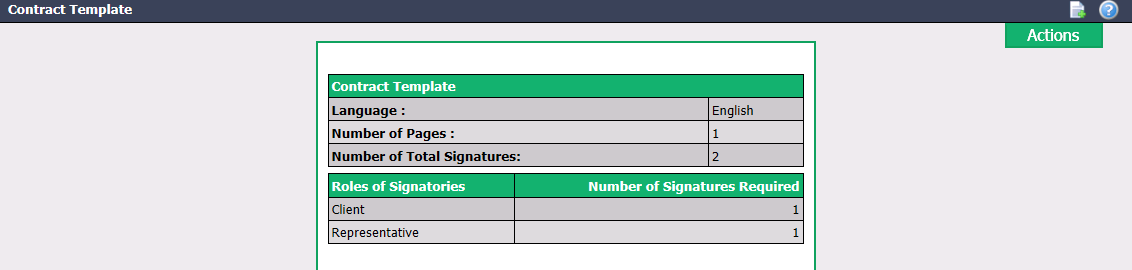
- From the Actions menu, you have the option to:
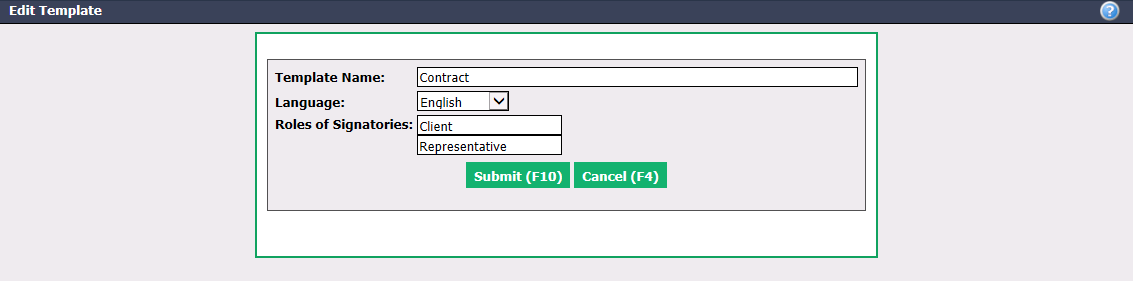
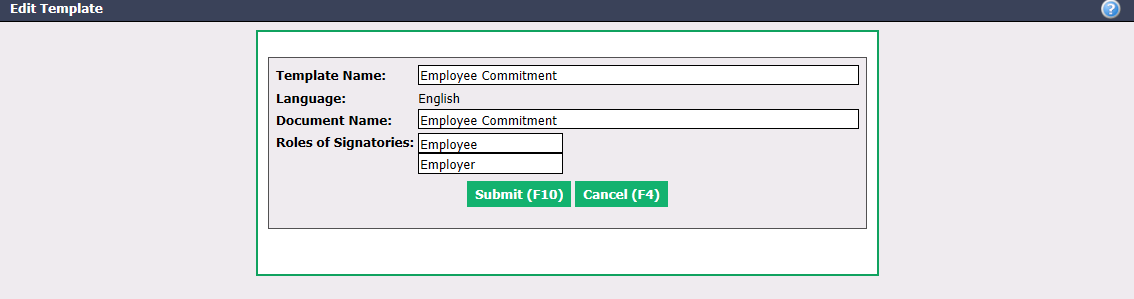
- Edit Template: Not applicable for a standard document that is part of a standard document group. Make the desired changes and click on Submit to save them.
- Template (without document): You can change the Template Name , the Language and the Roles of Signatories.
- Edit Template: Not applicable for a standard document that is part of a standard document group. Make the desired changes and click on Submit to save them.
* Standard document: You can change the **Template Name** , the **Document Name** and the **Roles of Signatories**.
* Download Document: Applicable only for a standard document. Click on **Open** or **Save**.
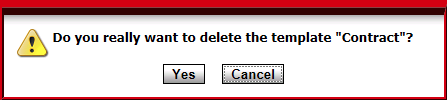
* Delete Document: Not applicable for a standard document that is part of a standard document group. A warning message will appear. Click on **Yes** to confirm.