

English
Unblocking a User
If a user attempts to log in three times with an incorrect password, the system will block his access.
- You’ll have the following message on your home page: "Blocked User Accounts".

- Click on the number to access the list of blocked users
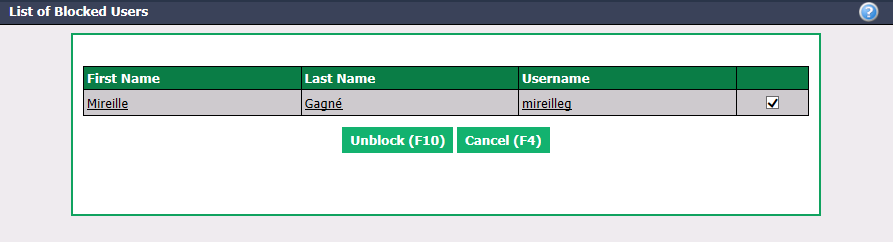
Make sure to check the checkbox next to the username you want to unblock and click Unblock.
Another option is to access the List of Users, select the desired user, click on Actions >> Edit User, remove the check mark beside Blocked and click on Submit to save changes.