

English
Changing your Password
This feature applies if the user already knows his password and wants to change it (for example, to make it more secure).
NOTE: If the user has forgotten his password, please see the article Resetting a User Password.
- From Main menu >> Admin >> My profile >> Password.
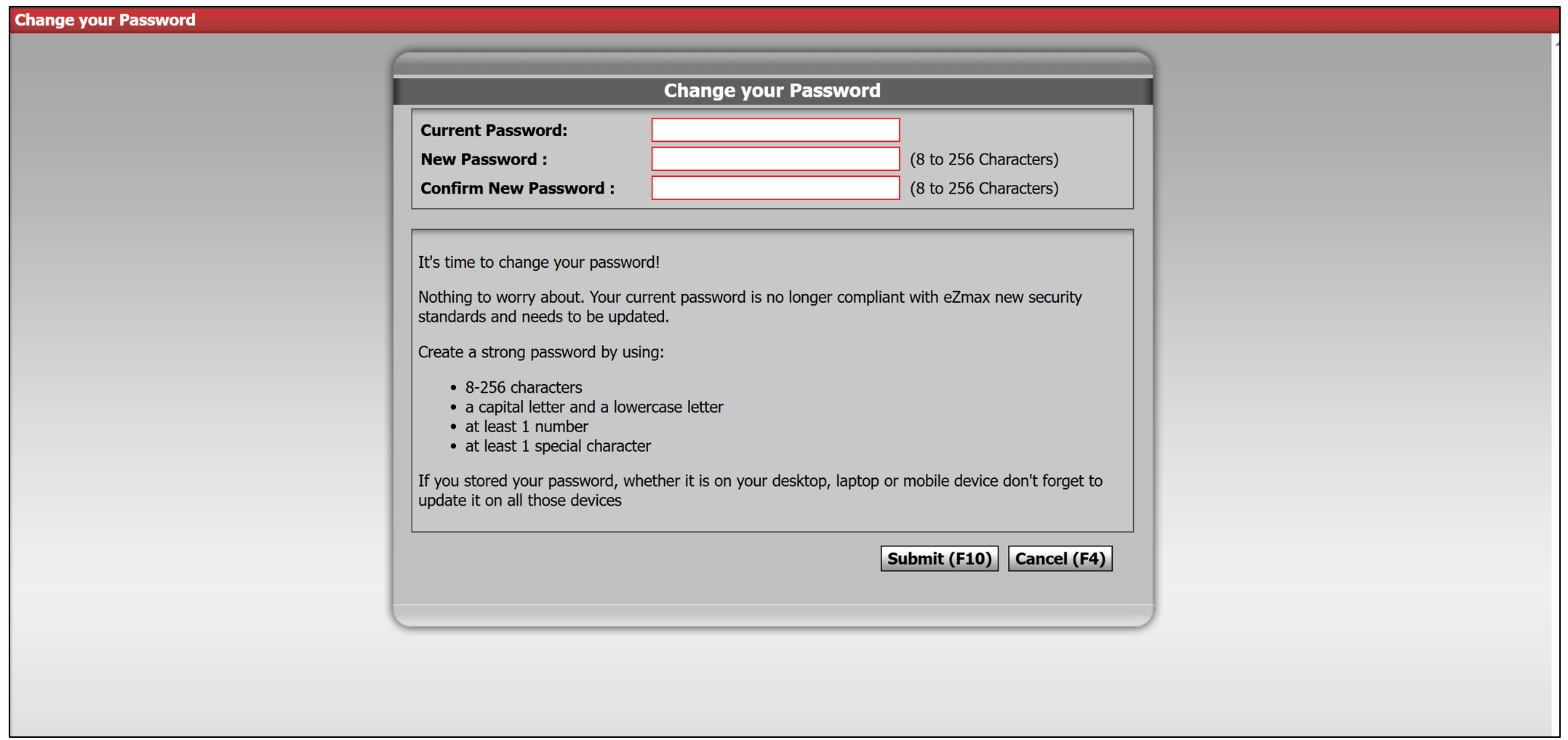
Enter your Current Password.
Enter a New Password of 8 to 256 characters and type it again to Confirm New Password.
Warning
The password must contain at least 8 characters, one uppercase, one lowercase, one digit and one special character.
- Click on Submit to save your changes.