

English
FINTRAC Questions Report
It is possible to produce a report to display all the answers to FINTRAC questions in transactions during a desired date range.
- From Main menu >> Real Estate >> FINTRAC >> FINTRAC Questions Report.
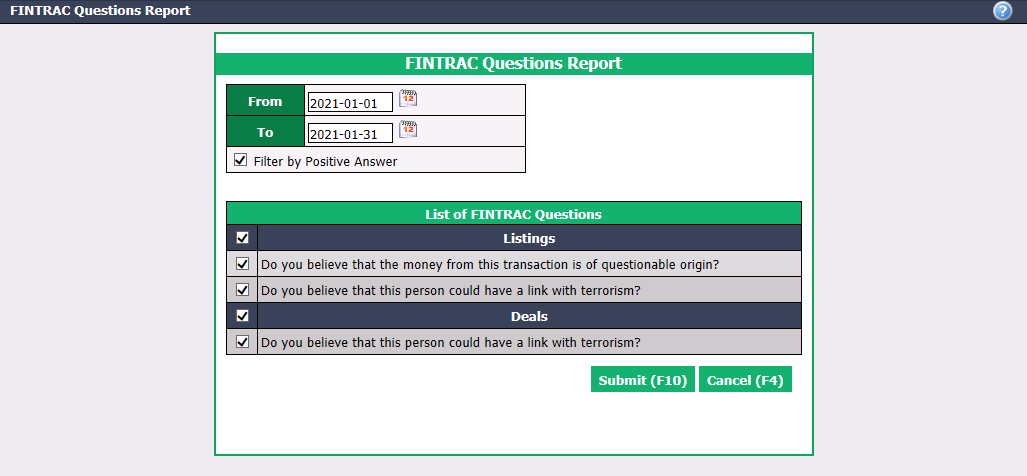
Enter the desired dates in the From and To fields.
Check the Filter by Positive Answer box if you only want to view transactions with "Yes" answers to FINTRAC questions.
List of FINTRAC Questions : By default, all FINTRAC questions will be selected, but you can uncheck them.
Click on Submit.
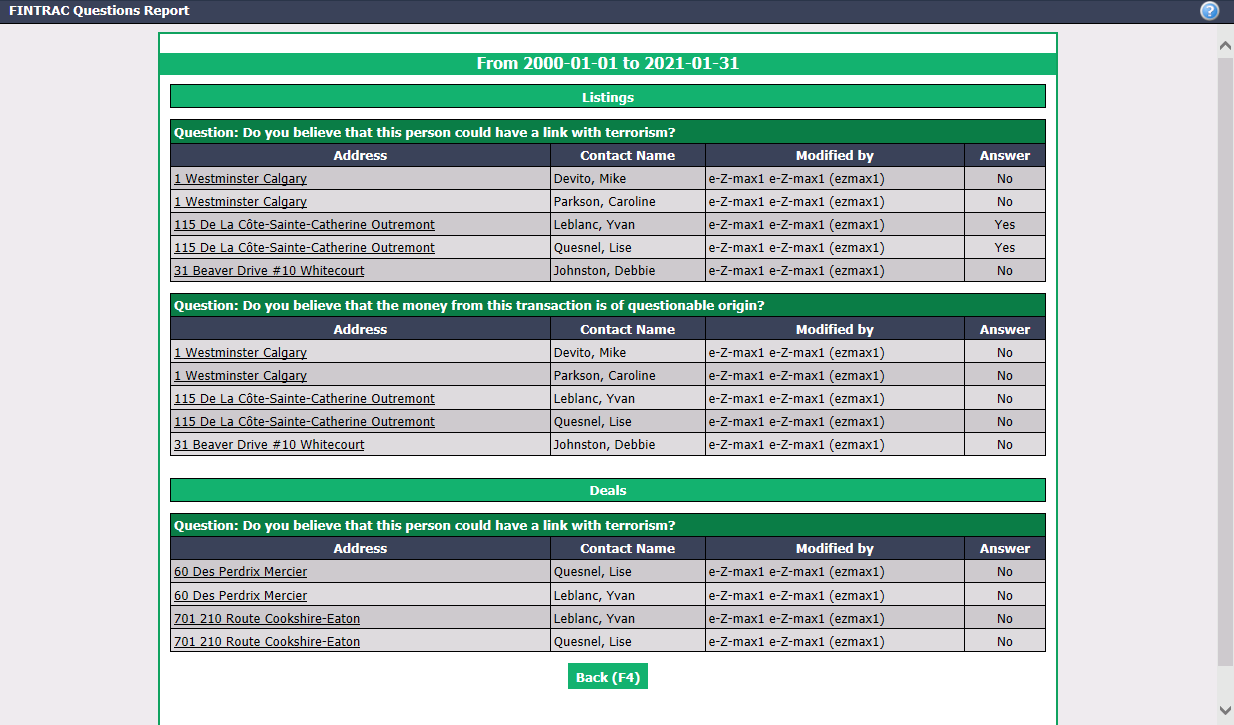
- You can click on an Address to access the transaction in eZmax.