

English
Tools in eZmax (eZmax for agents)
Tools in eZmax
- From Main menu >> Tools.
Change your Preferences
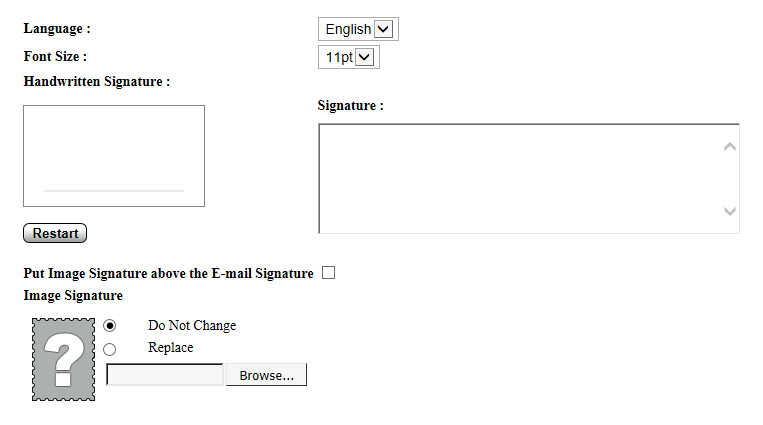
- Signature : You can add, for example, a thank you note with your name, phone number, e-mail, etc. that will always appear automatically in the e-mail sent via eZmax.
Report of Required Documents

- Select the desired type of transaction (Listing or Deal) and click on Submit.
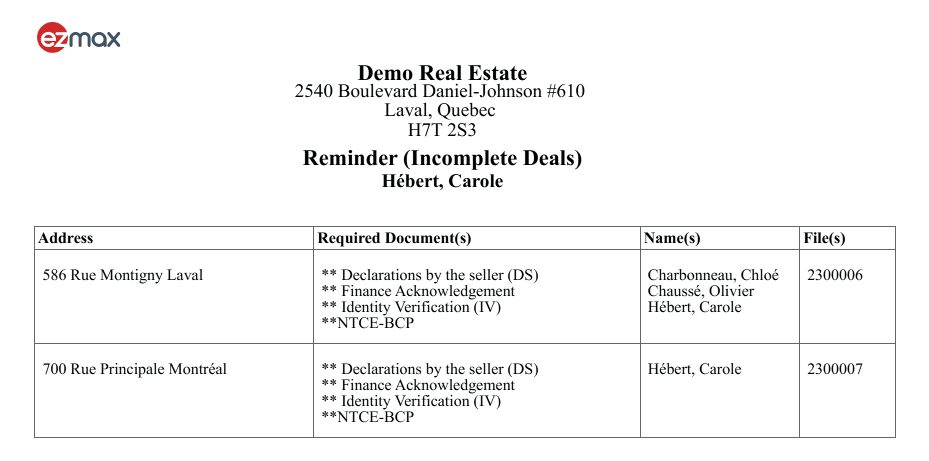
- The report shows you the missing documents in your listings or deals.
Personal Record
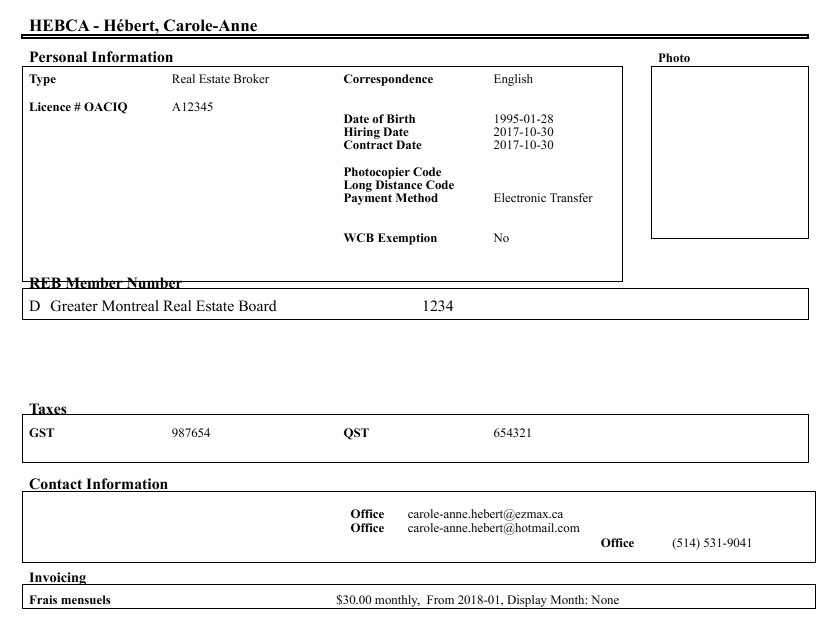
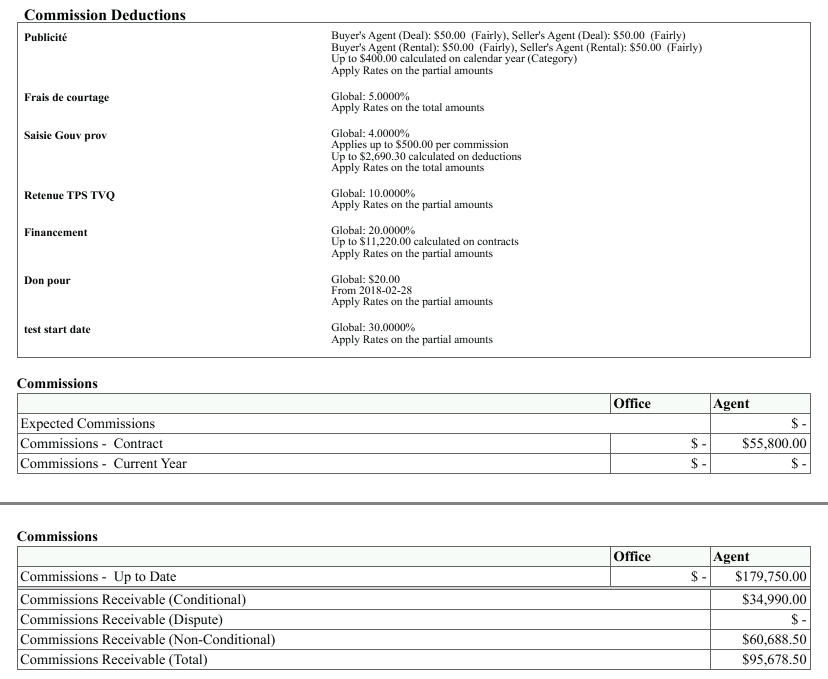
- All your personal information: Contact information, invoicing, commission deductions, commission to date and to come.
Colleague Access Management
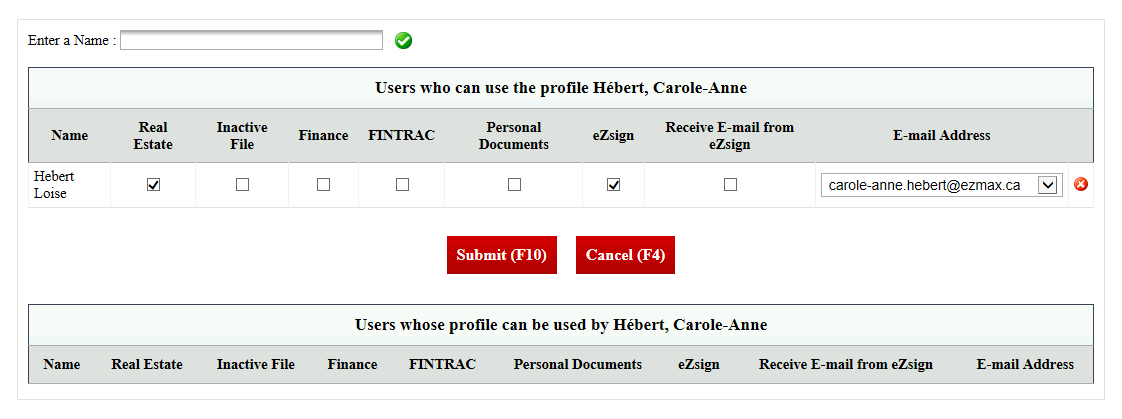
You can give temporary access to somebody from your agency.
Enter a Name : Start typing the name of a colleague, select it from the list and click on the green check mark to add it.
Check the files you want this person to have access to: Real Estate , Inactive File , Finance , FINTRAC , Personal Documents , eZsign , etc.
When you no longer want a colleague to use your profile, click the red X to his right to delete it. This colleague will no longer have access to your files.