

English
Add/Modify Credit Card Information and Activate Auto-Renewal (Individual Account)
From the main menu, click on your profile picture, then select Credit Cards.
- Select Add a Credit Card.
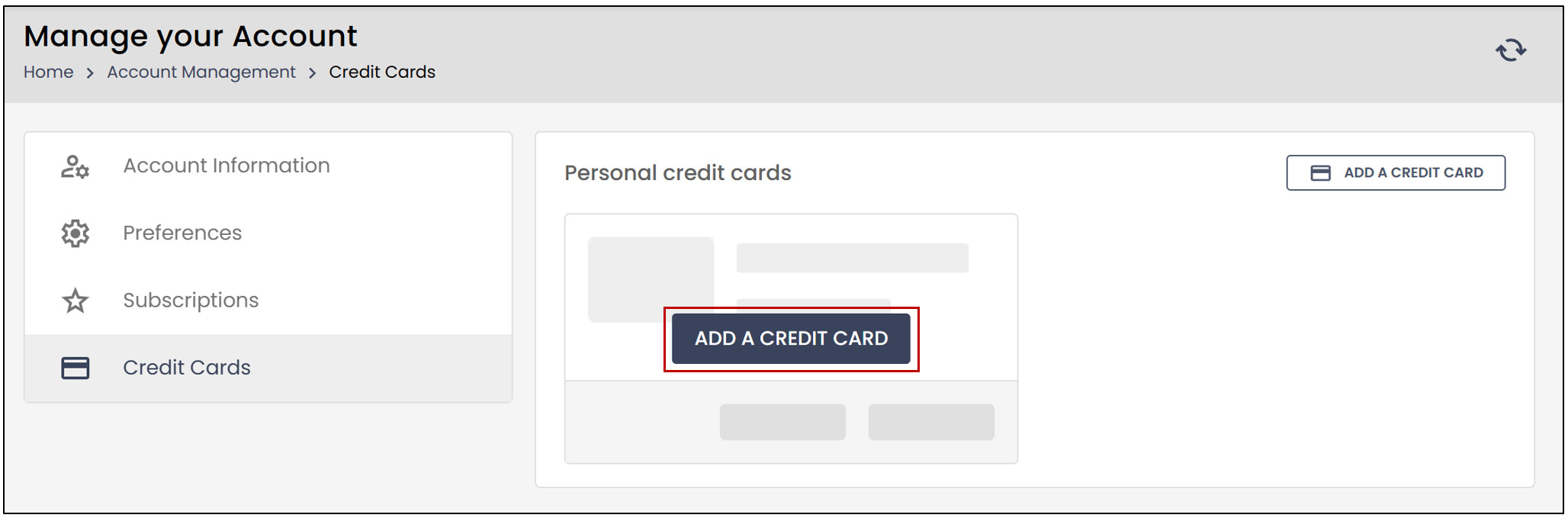
You will need to enter the following information:
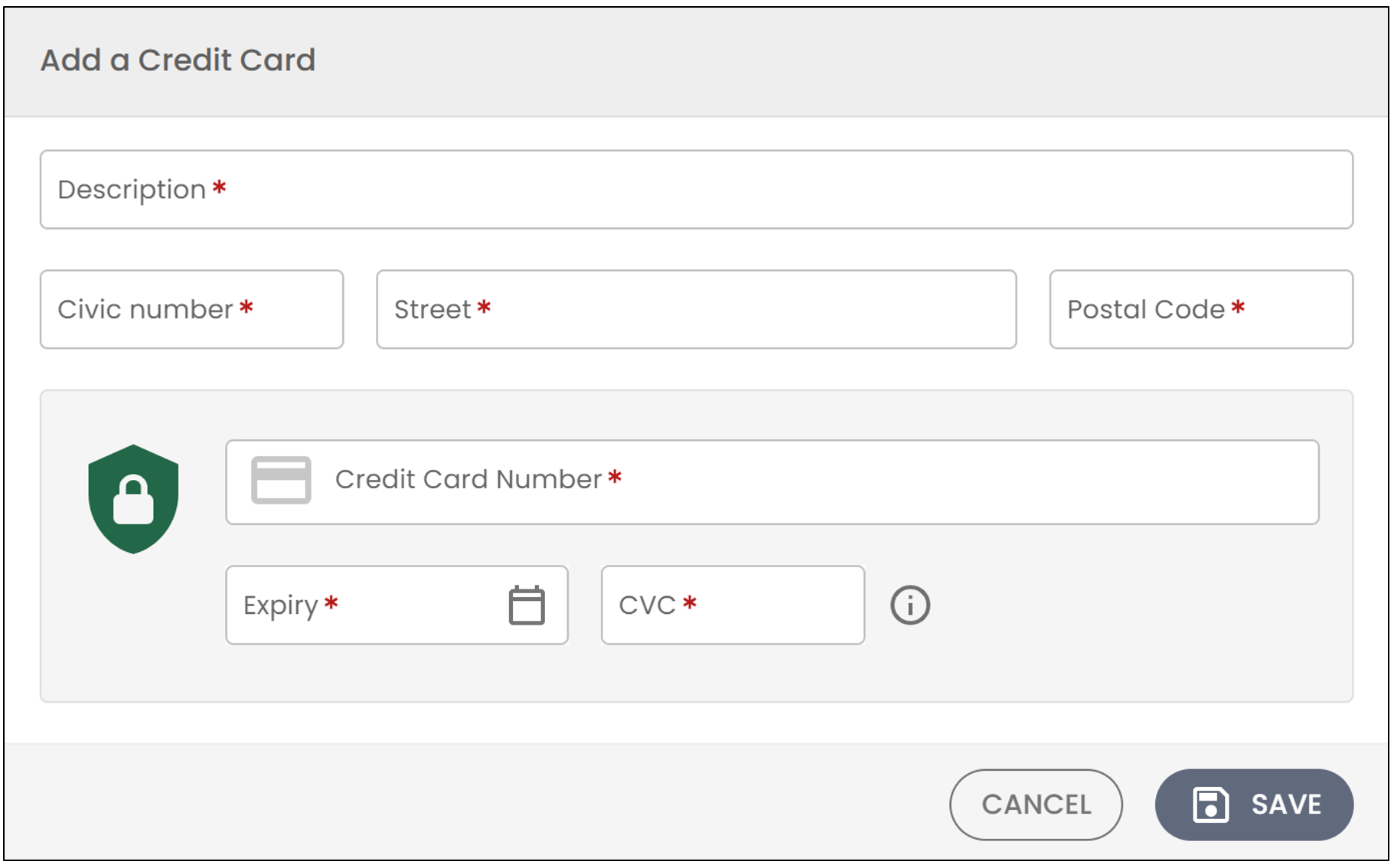
Description: Enter your desired Description for the credit card. For example, Personal Mastercard.
Enter your address (Civic number , Street , and Postal Code).
You will then need to enter your Credit Card Number , along with the Expiry date and CVC number.
Once all your information is entered, click Save.
Once the credit card has been added, you will have the option to Delete or Edit the credit card.
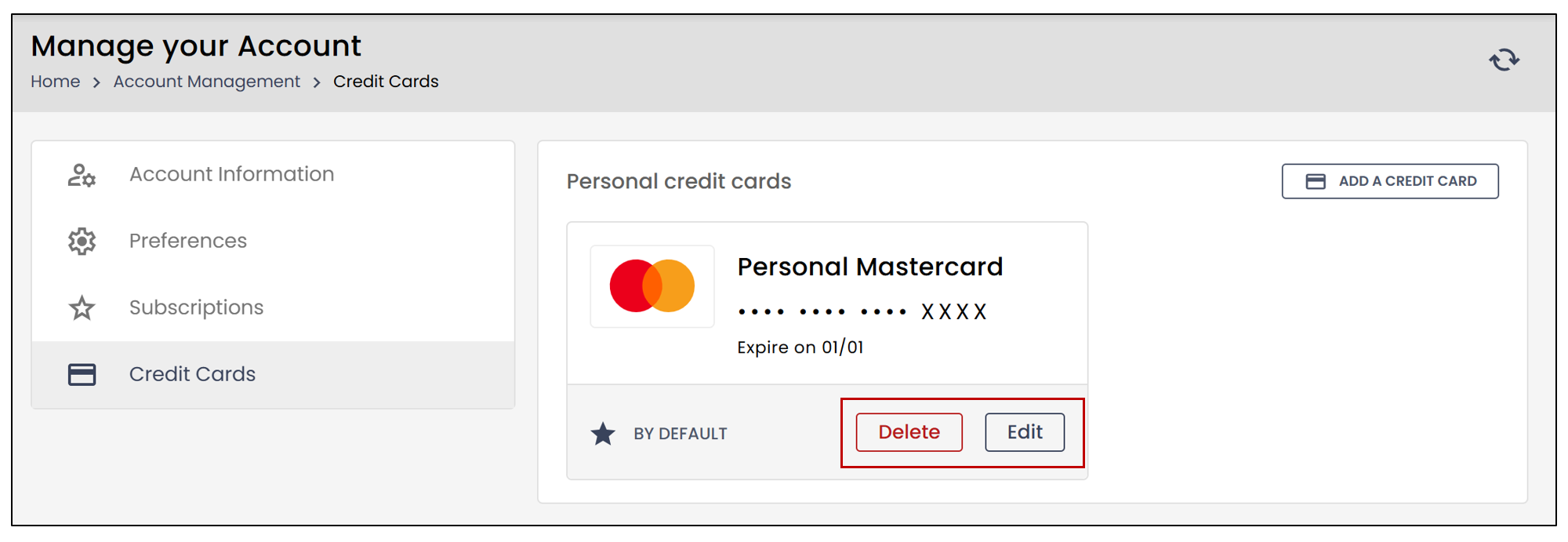
- If you select Delete , the following message will appear:
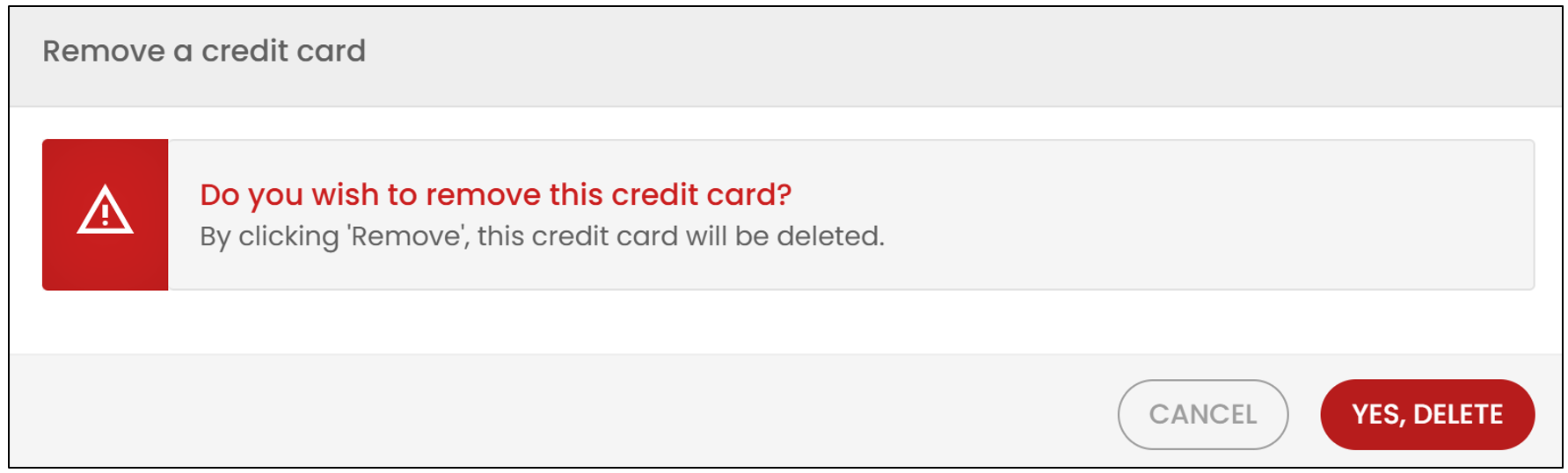
- If you wish to delete the credit card, select Yes, delete.
If you wish to edit the credit card, click Edit.
- You will be able to modify all the previously entered information.
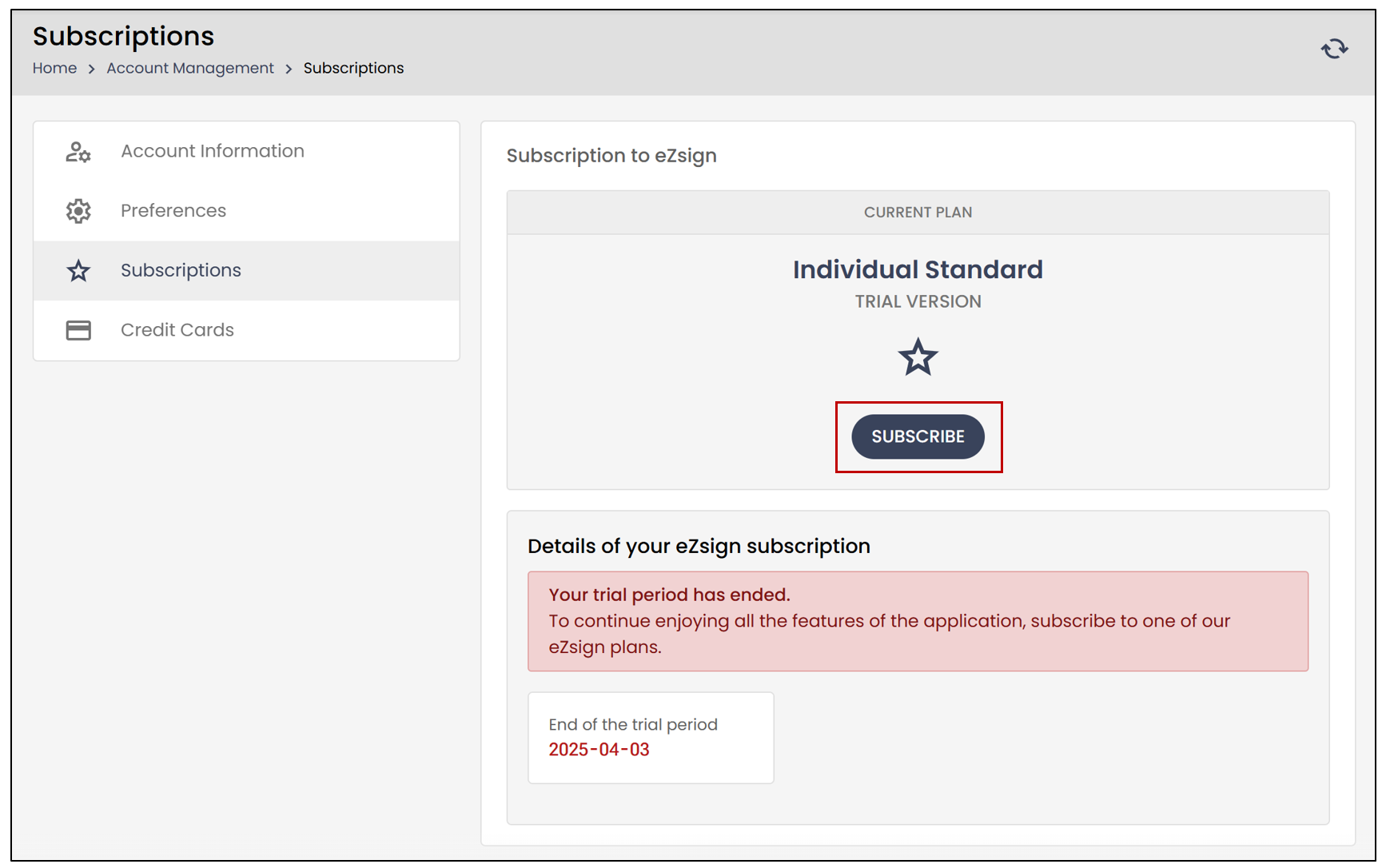
In the Subscriptions section, you can view the type of subscription you currently have.
- By clicking Subscribe , you will see the three subscription options.
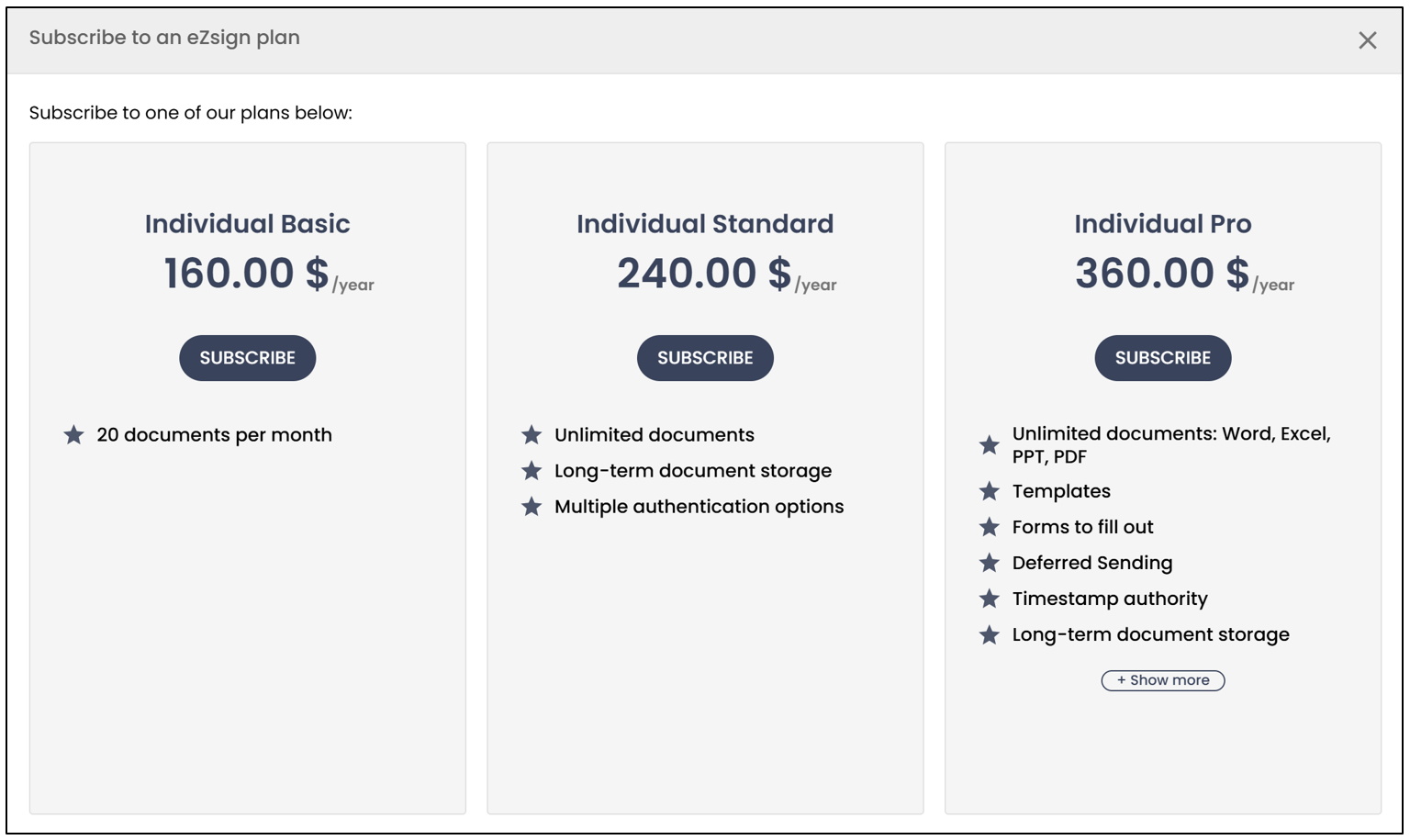
- By clicking Subscribe under one of the plans, you will find all the payment-related information.
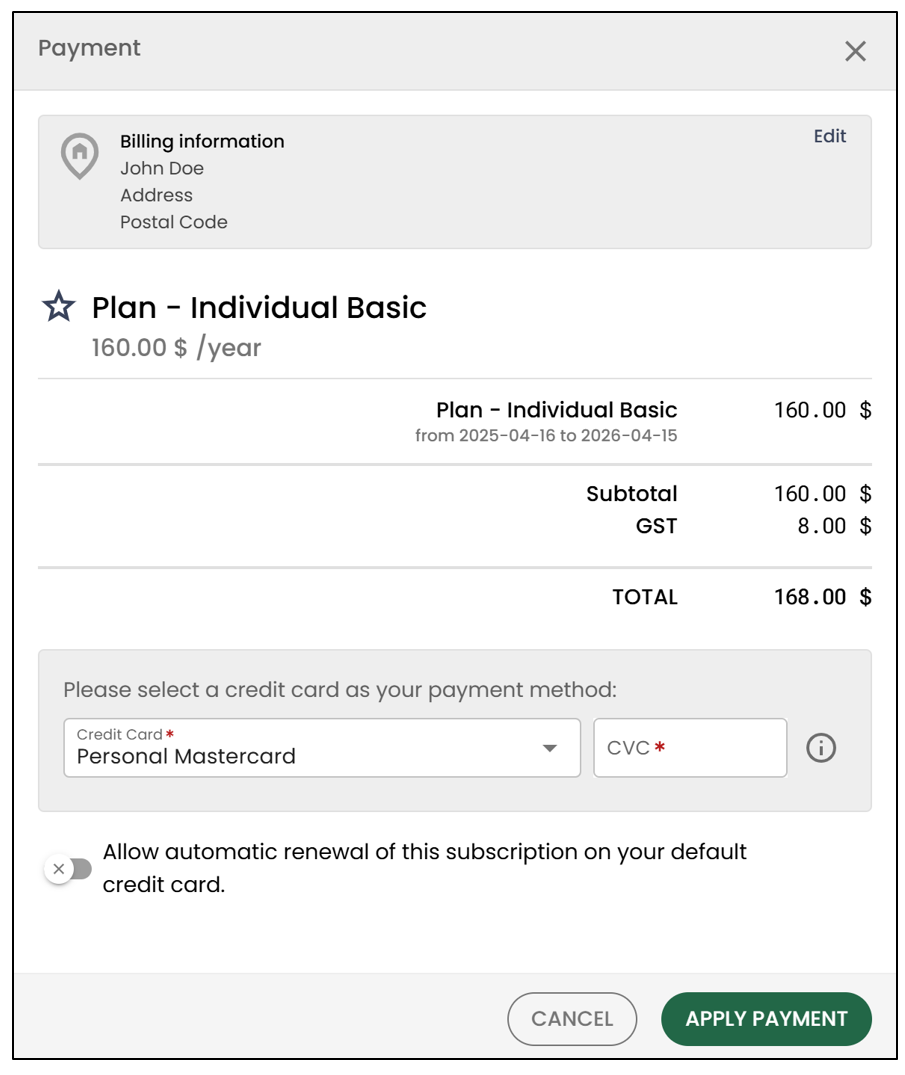
If more than one credit card is saved to your eZsign account, you will be able to select one from the drop-down list.
You will need to enter the CVC number again at the time of payment.
If you check Allow automatic renewal of this subscription on your default credit card , the previously saved credit card will be used for the renewal.