

English
Permissions Granted to Users in eZsign
Permissions Granted to Users in eZsign
This article presents the different types of permissions that can be granted to an eZsign user. These permissions allow control over access to various functionalities and ensure secure and organized management of responsibilities within the platform.
Electronic Signature
Electronic Signature
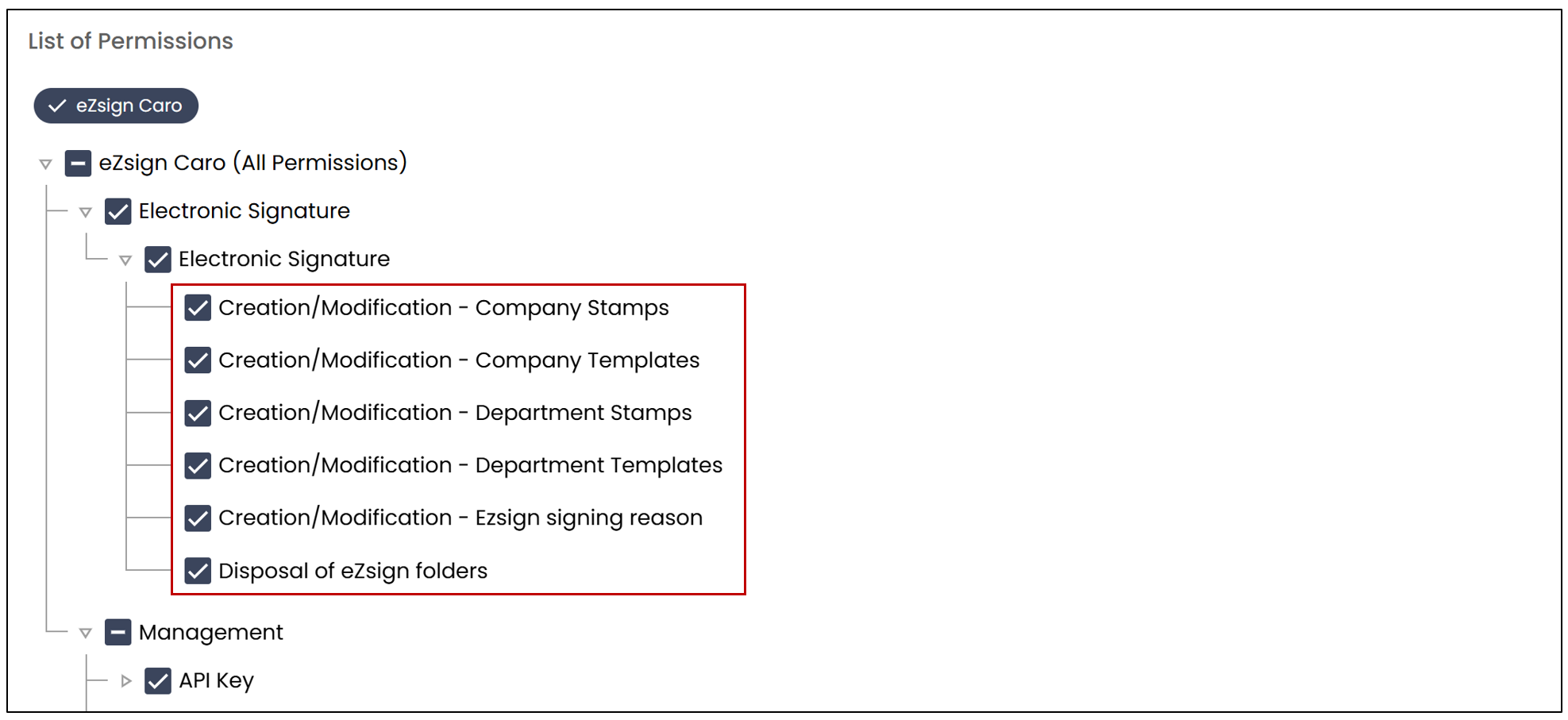
- Creation/Modification - Company Templates
Allows the creation and modification of templates used at the company level. - Creation/Modification - eZsign signing reason
Allows adding, modifying, or deleting signing reasons used within signing blocks. - Disposal of eZsign folders
Allows manual deletion of eZsign folders, with a notification displayed on the homepage for concerned users.
Management
API Key
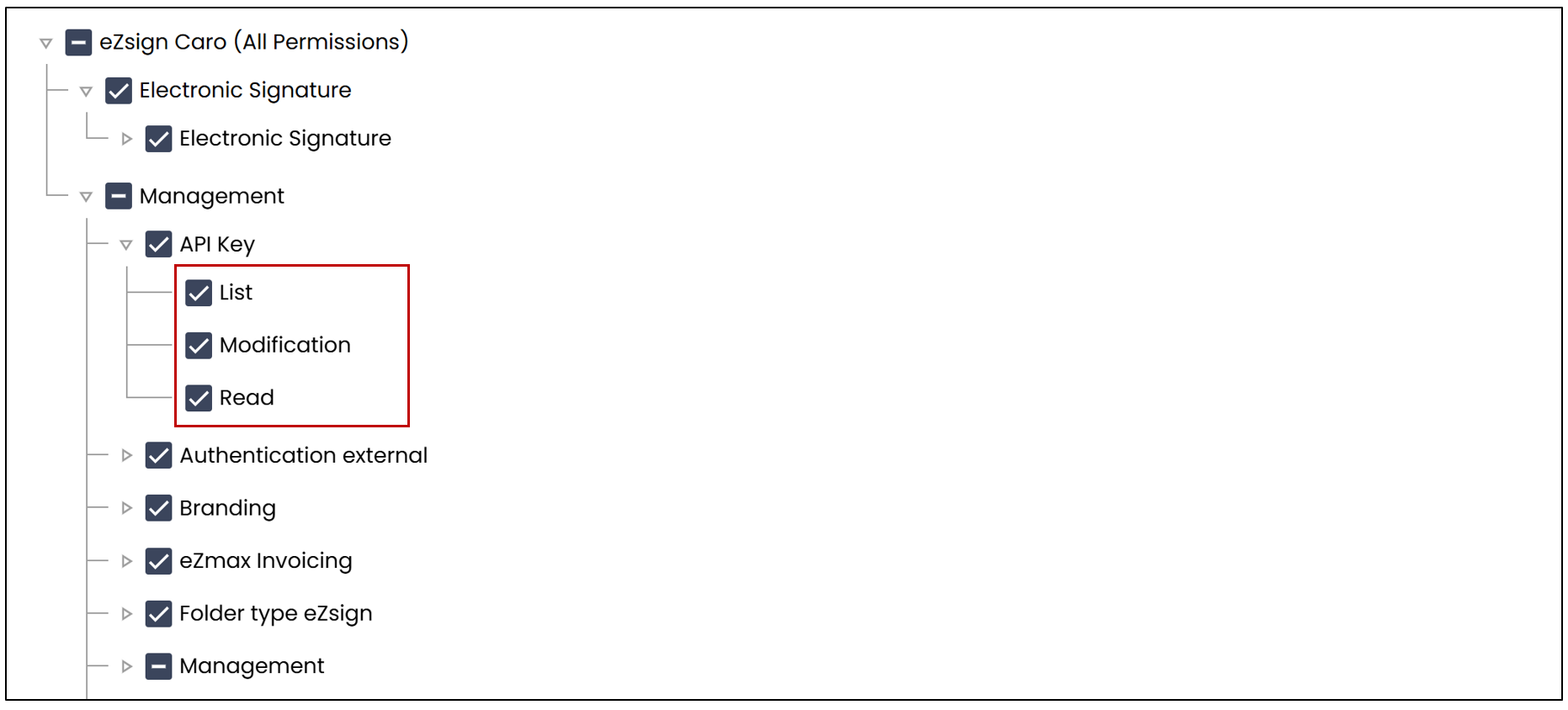
Allows the creation and management of API keys used to authenticate and secure access to external services.
- List-only permission
The user can see the list of API keys but cannot access their content. - Read, List, and Modification permissions
The user can see the list of API keys, access their configuration, modify them, and create new keys. - Read-only permission
The user cannot see the list of API keys. However, if they access a key via a link in the solution, they will be able to view its information. - Read and List permissions
The user can see the list of API keys and access the details of their configuration.
External Authentication
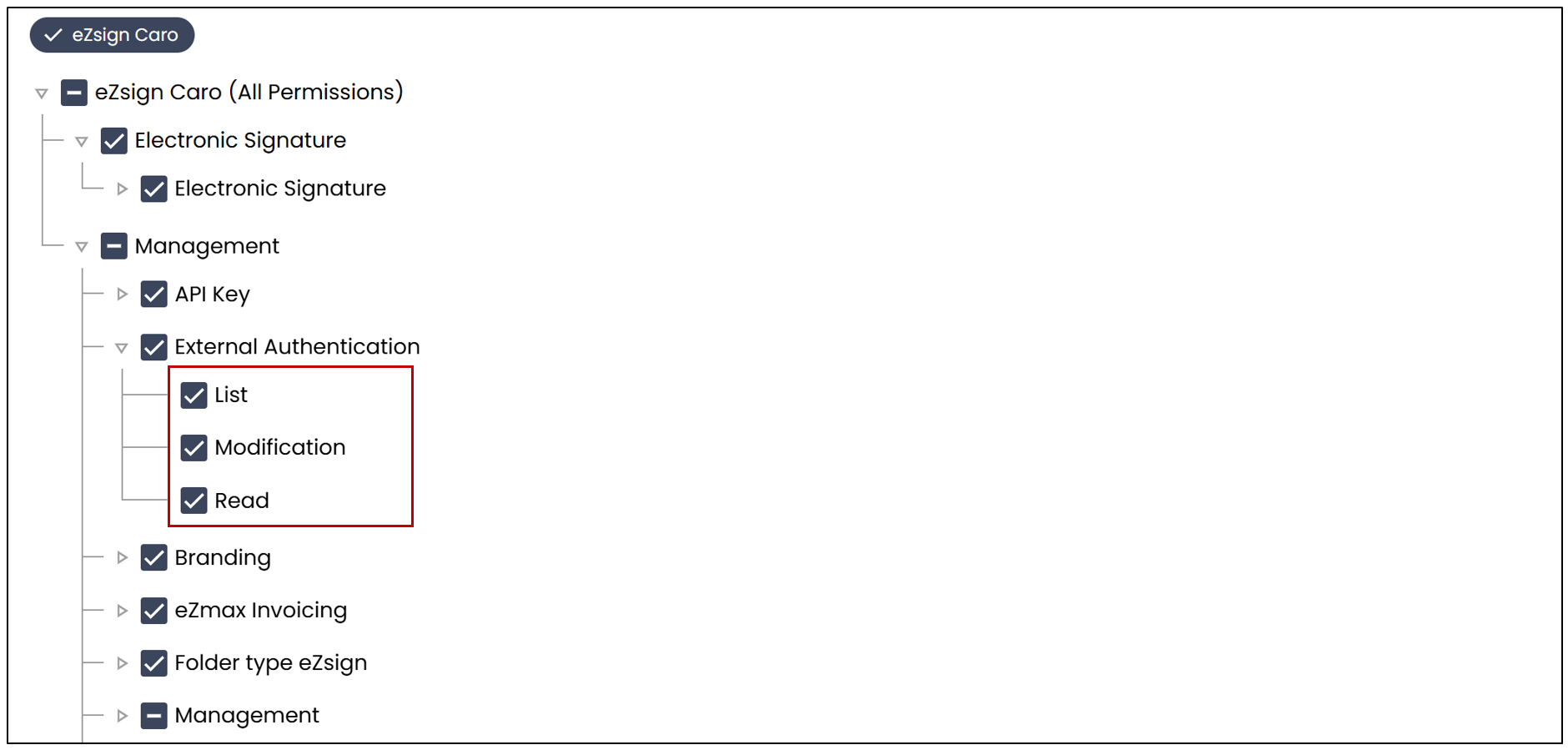
Allows configuration of Single Sign-On (SSO), enabling users to log in to eZsign using their corporate credentials (for example, via an intranet portal). This integration simplifies access by unifying logins across multiple applications from a centralized system.
- List-only permission
The user can see the list of external authentications but cannot access their content. - Read, List, and Modification permissions
The user can see the list, access the details, modify them, and create new connections or configurations. - Read-only permission
The user cannot see the list of external authentications. However, if they access a user or connection via a link in the solution, they will be able to view the information. - Read and List permissions
The user can see the list of external authentications and access the details of their configuration.
Branding
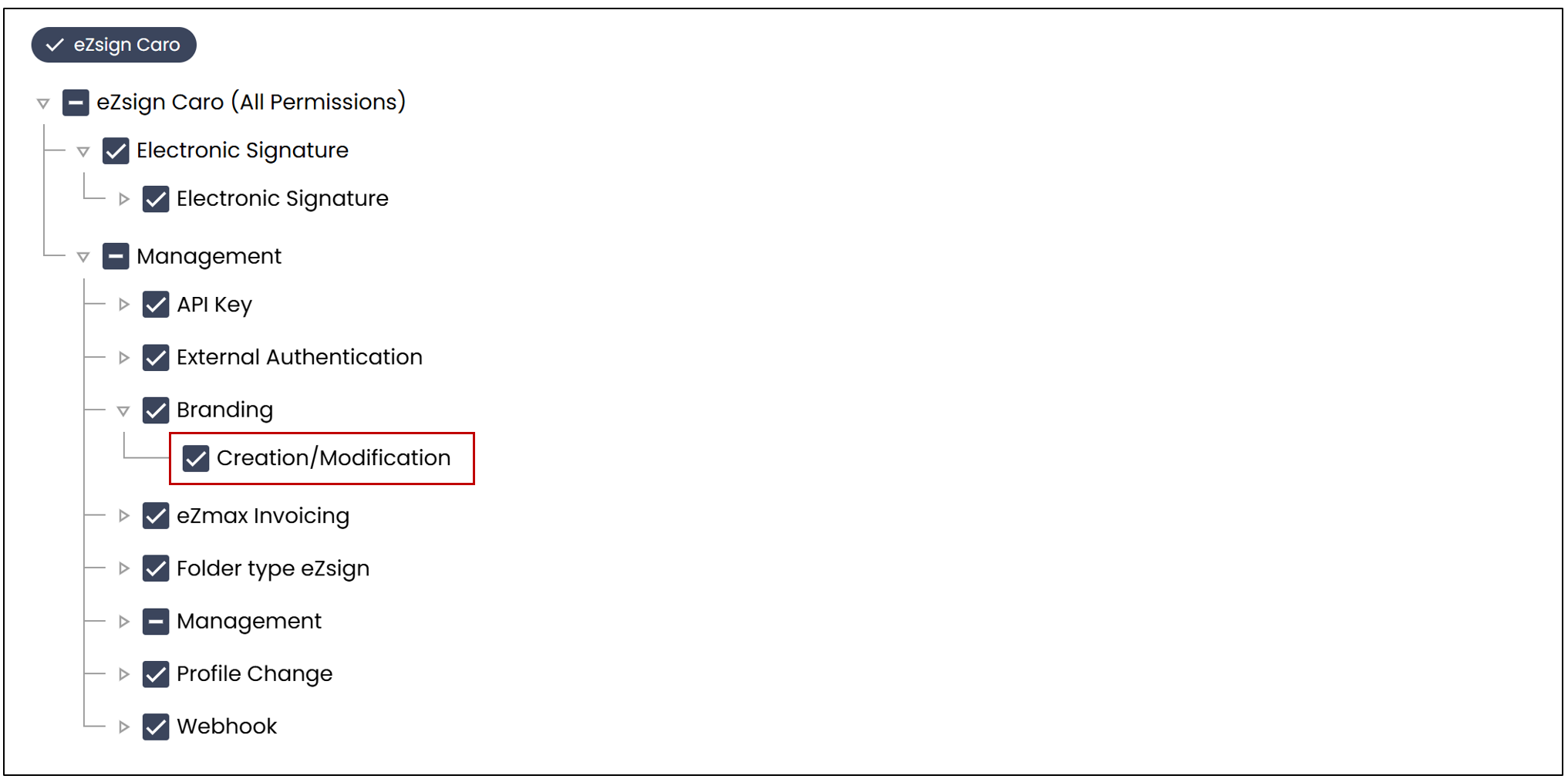
- Creation/Modification
Allows adding and modifying branding elements, such as logos, colors, and other visuals associated with the company.
eZmax Invocing
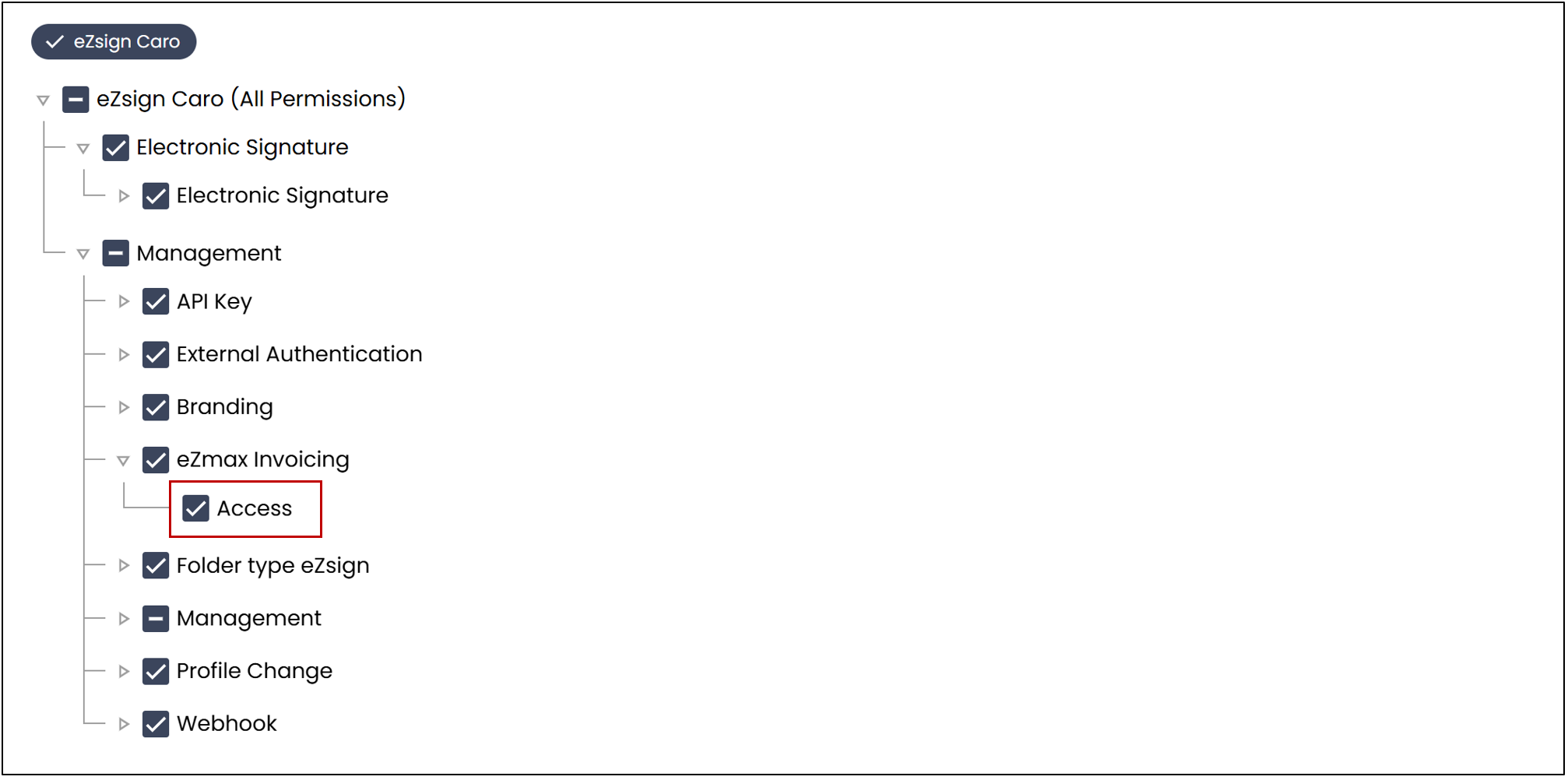
- Access
Allows access to invoicing features within eZmax.
Folder Types eZsign
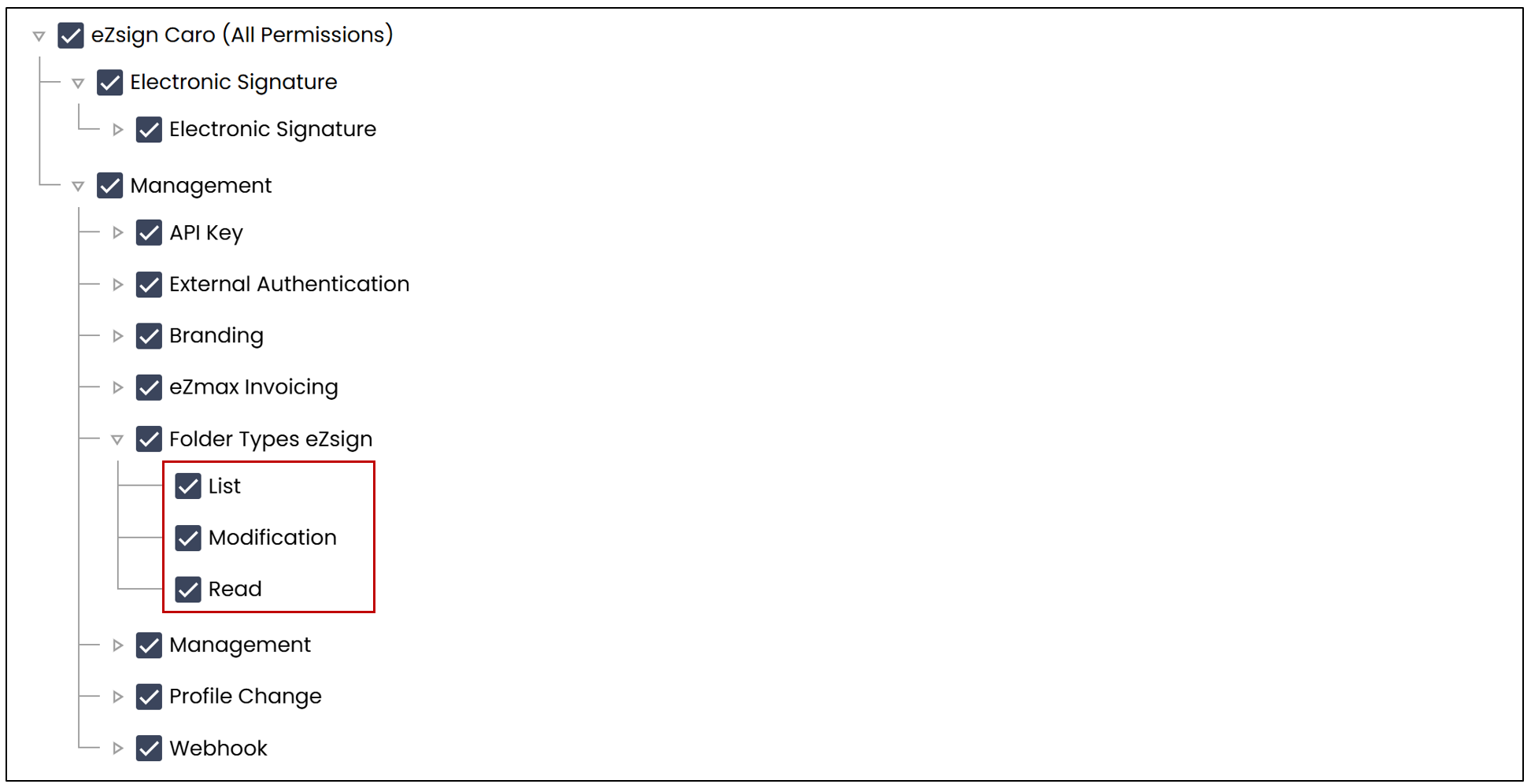
Allows management of folder types, including creation and modification.
- List-only permission
The user can see the list of folder types but cannot access their content. - Read, List, and Modify permissions
The user can see the list of folder types, access their configuration, modify them, and create new folder types. - Read-only permission
The user cannot see the list of folder types. However, if they access a folder type via a hyperlink in the solution, they will be able to view the information. - Read and List permissions
The user can see the list of folder types and access the details of their configuration.
Management
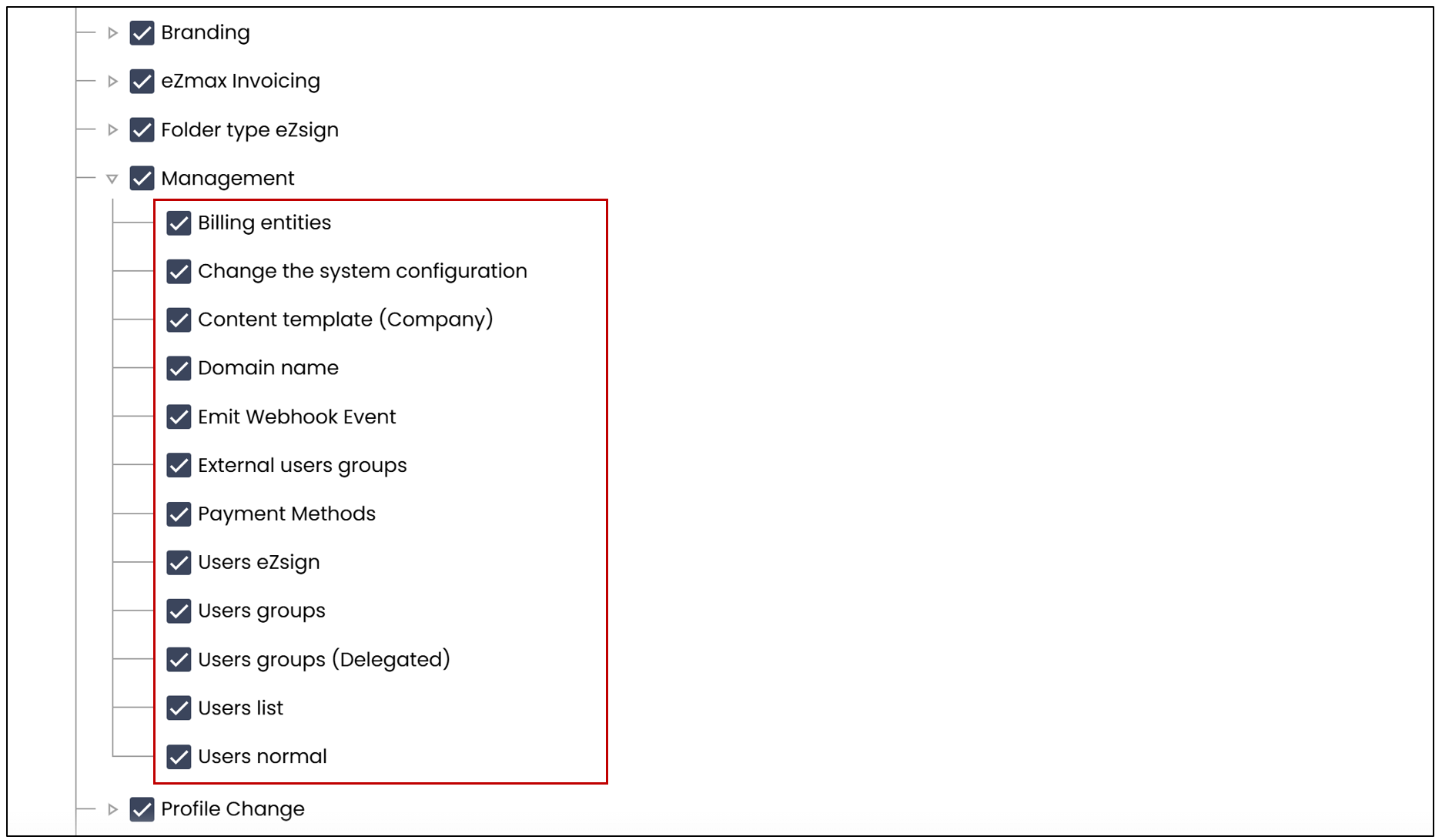
- Billing entities
Allows creation and management of entities responsible for billing within the platform. - Change the system configuration
Grants access to and modification of global system configuration parameters, affecting the overall platform operation. - Content template (Company)
Allows creation and management of pre-recorded messages accessible to all users within the company, facilitating standardized and efficient communication. - Domain name
Allows a user to modify the domain name in order to use the company’s name in outgoing communications. - Emit Webhook Event
Allows sending real-time events via webhooks to external systems, facilitating integration and process automation. - External users groups
Allows synchronization and management of user groups from external sources via Single Sign-On (SSO), easing integration of external users into the platform. - Users eZsign
Allows creation of new eZsign users. - Users groups
Allows creation and management of user groups to facilitate permission assignment and collective member management. - Users groups (Delegated)
Allows a delegated user, such as a franchisee, to manage members within their user groups, including adding or removing users, without being able to create new users. - Users List
Grants access to the list of all users.
Profile Change
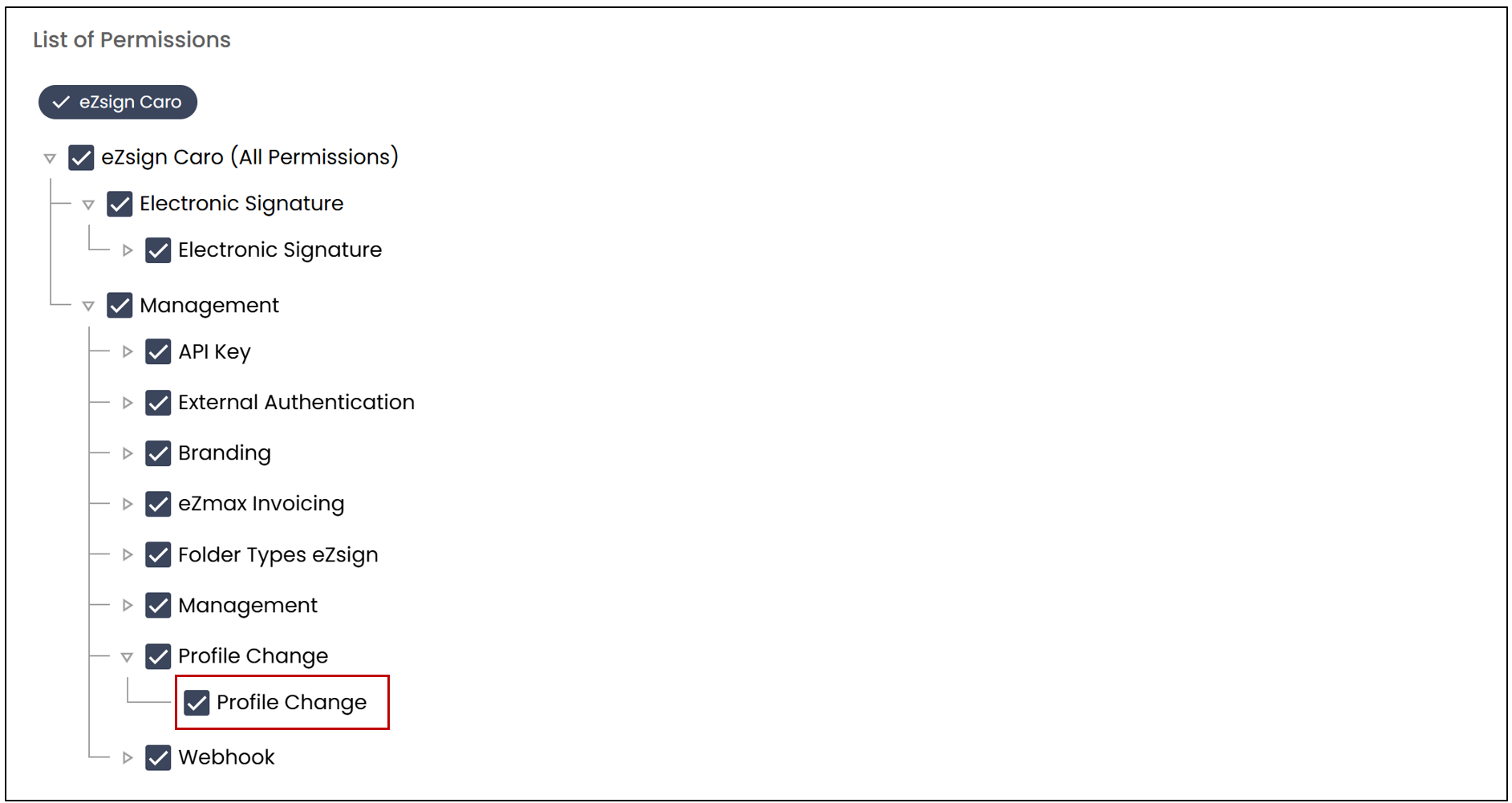
- Profile Change
Allows a user to access the profile of other members of the system. This permission must be granted with caution, as it provides full access to the information and features available to the impersonated user (e.g., files, file types, Administration menu, etc.). The user whose profile has been used will be able to see, in the profile change history, who connected to their account.
Webhook
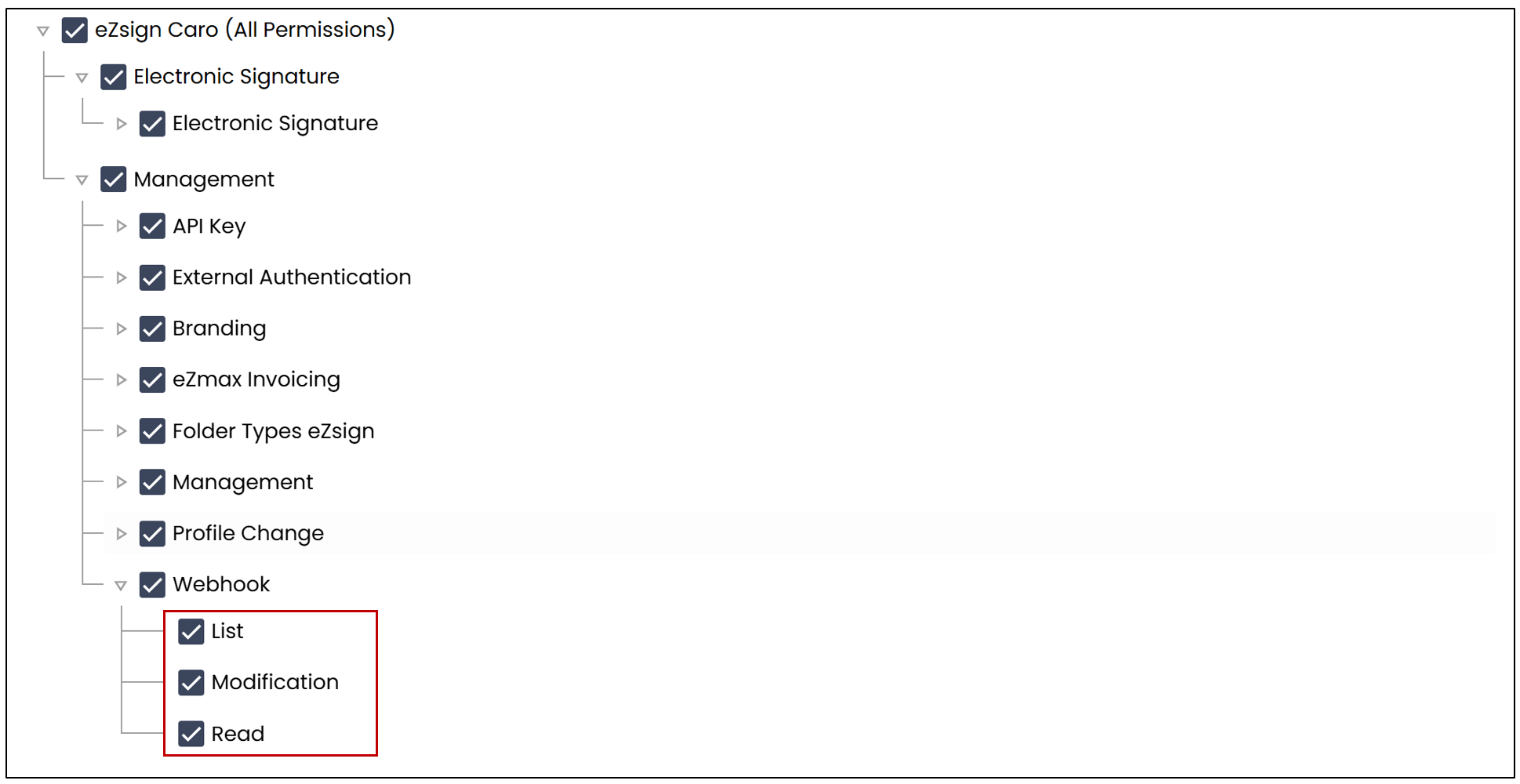
Allows configuration and management of webhooks, which are automated communication points enabling the platform to send notifications or real-time data to external systems.
- List-only permission
The user can see the list of webhooks but cannot access their content. - Read, List, and Modify permissions
The user can see the list of webhooks, access their configuration, modify them, and create new webhooks. - Read-only permission
The user cannot see the list of webhooks. However, if they access a webhook via a link in the solution, they will be able to view the information. - Read and List permissions
The user can see the list of webhooks and access the details of their configuration.