

English
Types of Signatory Authentication
When you add or modify a signer in an eZsign folder, you must select the type of authentication that will be used to verify and validate the signer's identity when they wish to sign the document.
- Select the Signer Authentication Type from the following options:
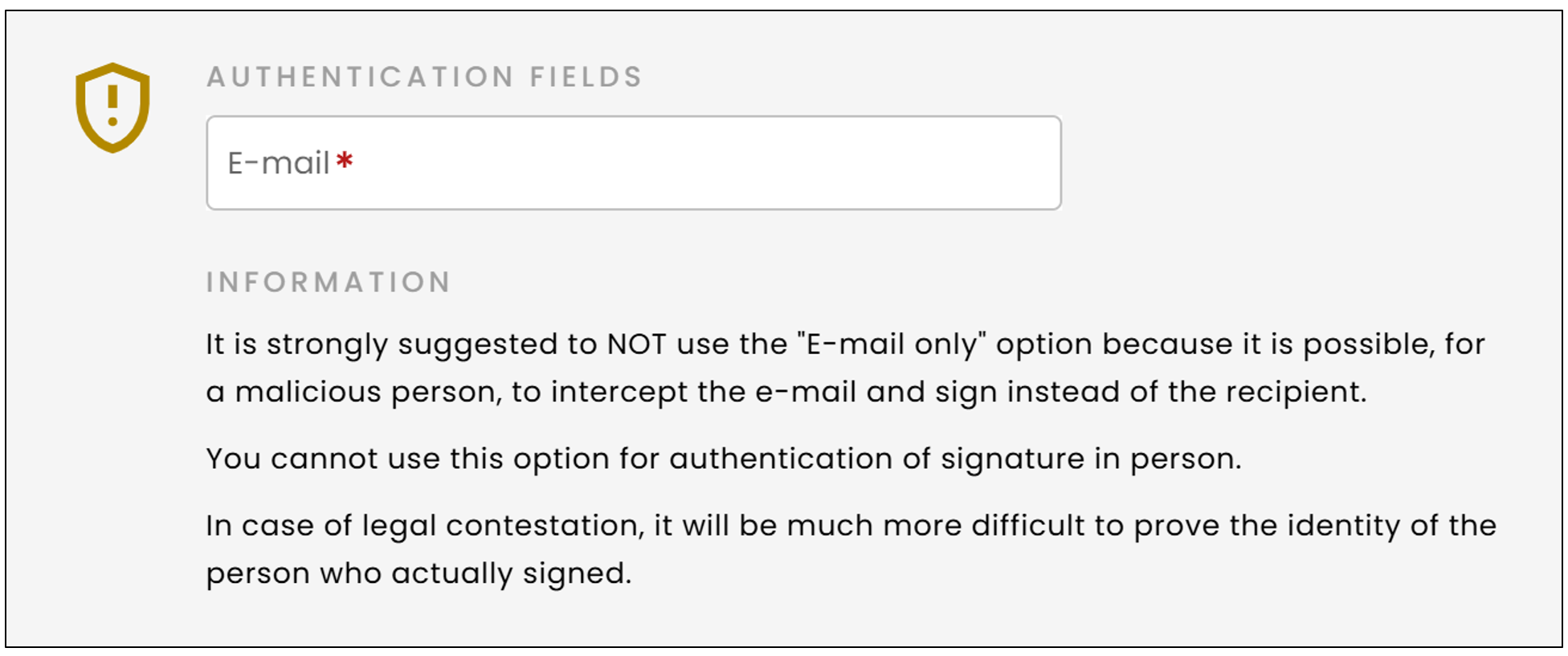
- Email only : This type of authentication is not recommended, as it is less secure (see the image below). Only an email will be sent to the signer.
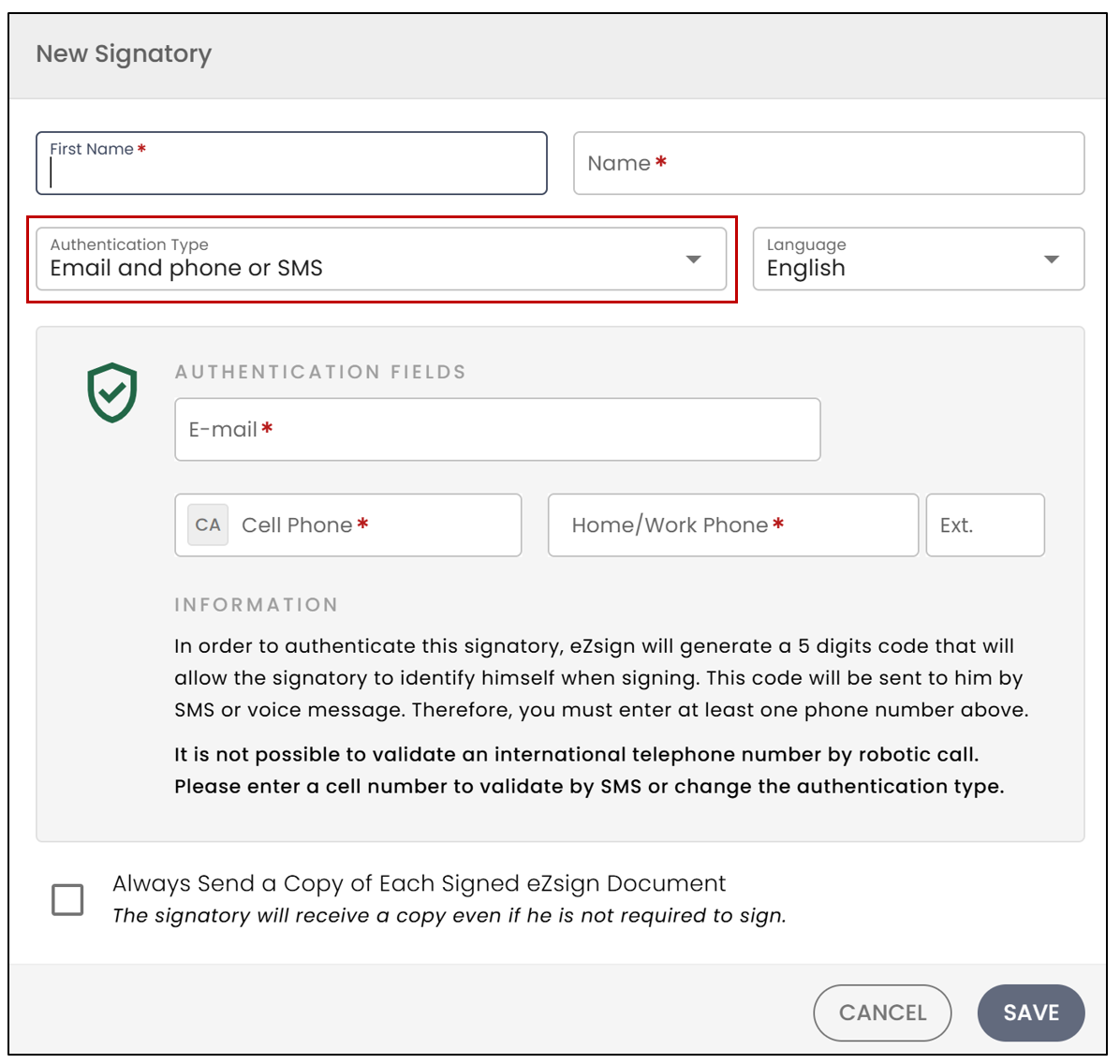
- Email and phone or SMS : This is the default selected type. An email will be sent to the signer. Additionally, a 5-digit code will be generated by eZsign, which will allow the signer to identify themselves when signing the document. The signer will need to choose whether to receive the validation code via SMS or through a phone call. Make sure to enter at least one Phone (Mobile) number for SMS or a Phone (Home/Office) number.
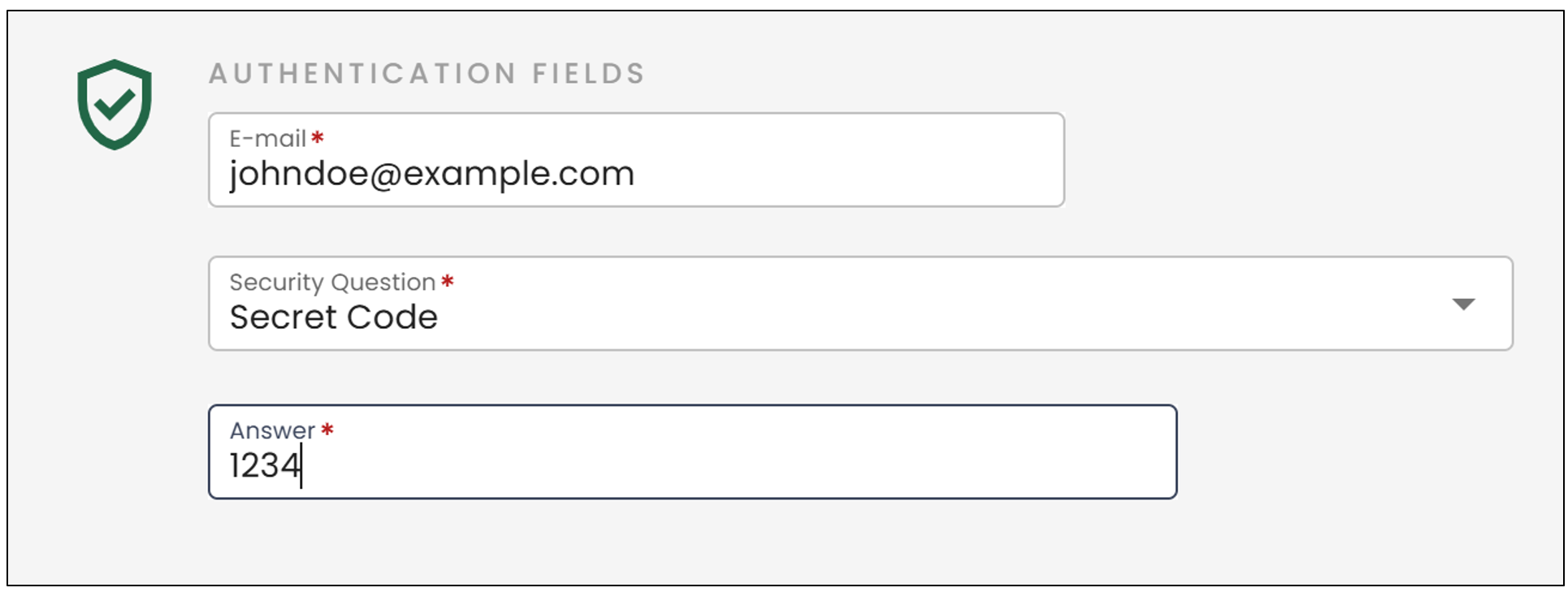
- Email and Secret Question : An email will be sent to the signer, and they will need to answer a secret question. Select the desired Secret Question from the options and enter the Answer.
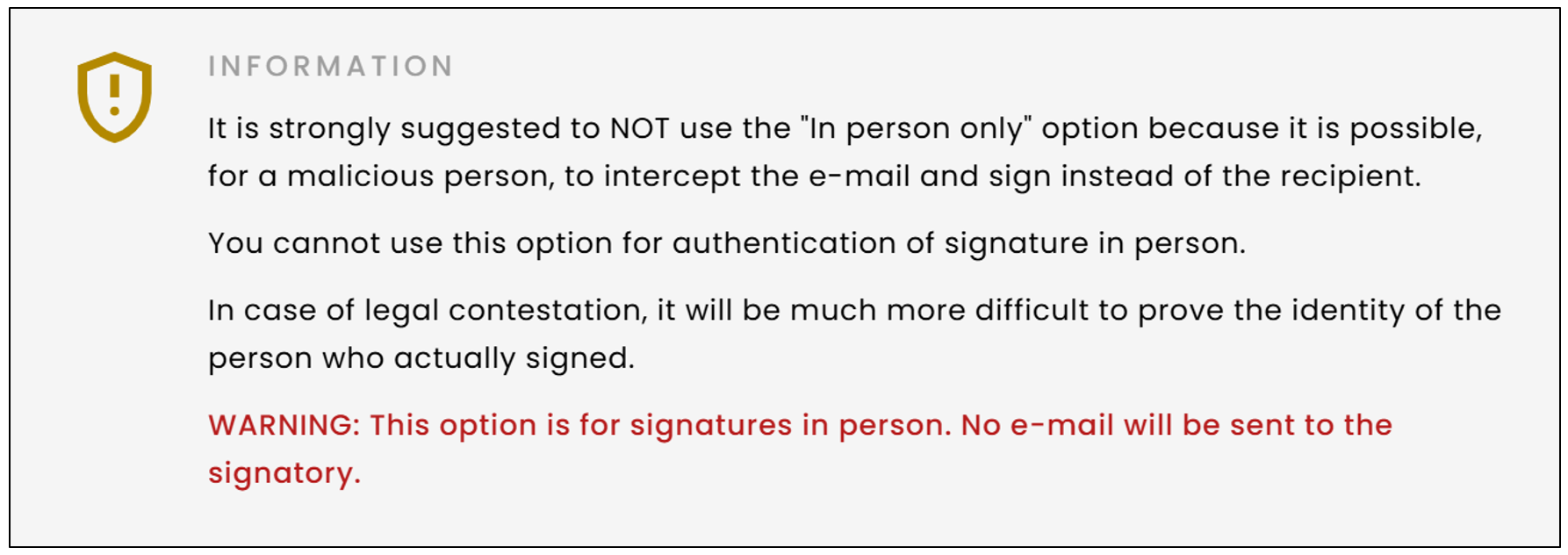
- In-person only : This type of authentication is not recommended, as it is less secure (see the image below). No email, phone, or SMS will be sent to the signer. The signer must use your device to sign.
- In-person with phone or SMS : No email will be sent to the signer, but they will receive a phone call or a text message containing a code to enter during the identification process before signing the document. Make sure to enter at least one Phone (Mobile) number for SMS or a Phone (Home/Office) number.
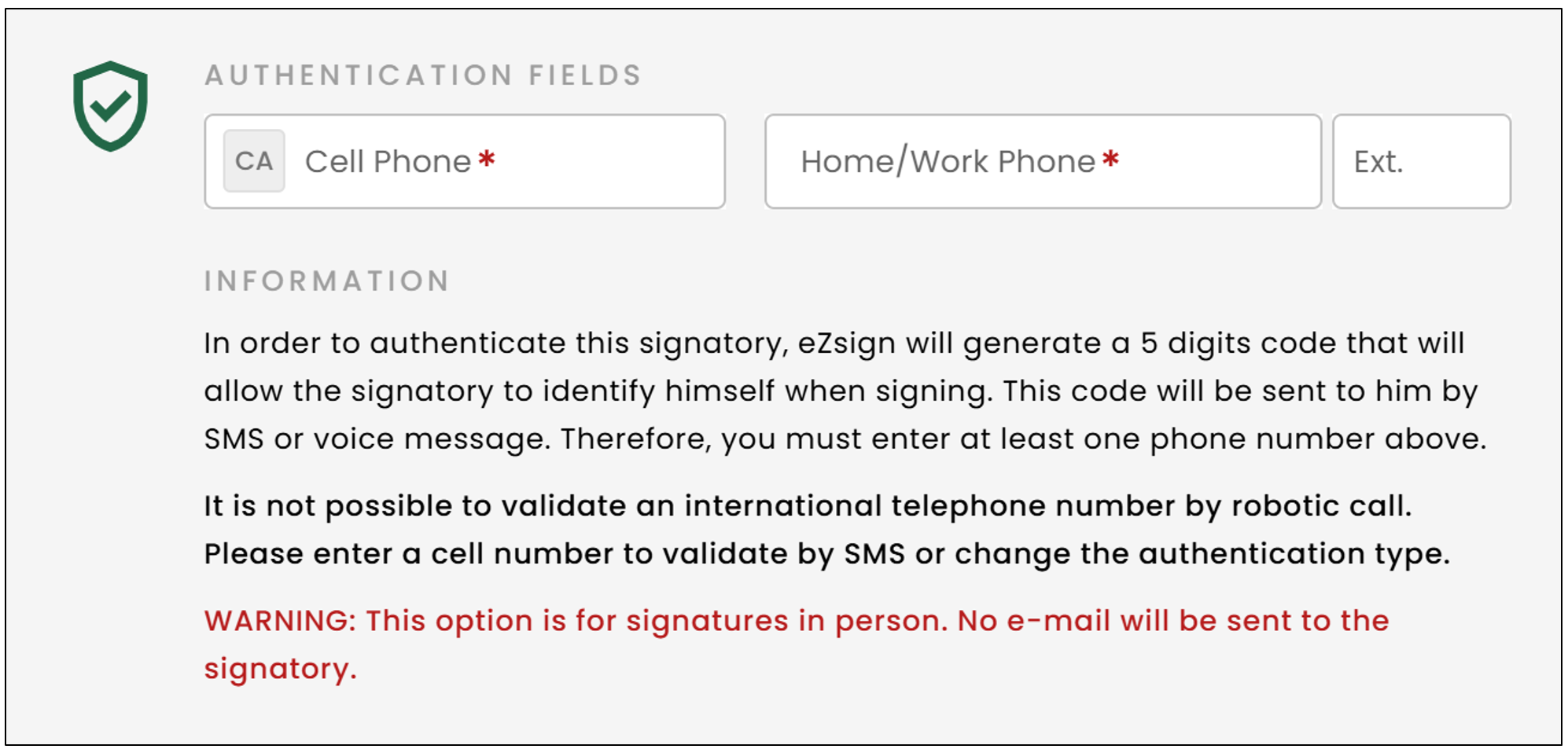
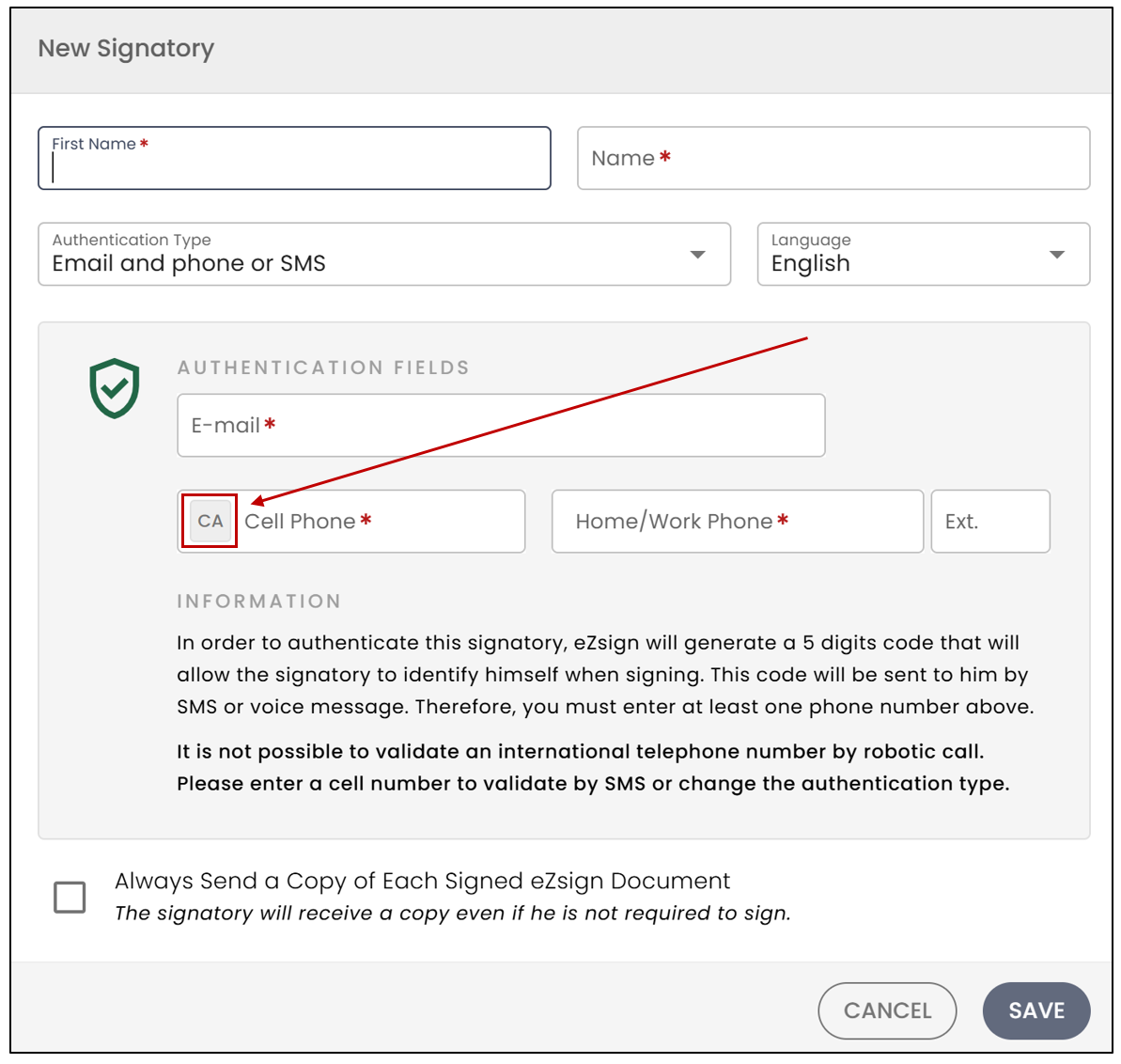
NOTE: If the signer's phone number is outside of Canada or the United States, click on the 'CA' icon to display the list of country codes, then select the desired one. After that, enter the phone number without the 011, spaces, or hyphens.
Warning
The Phone (Home/Office) number must be a direct line, meaning it should not require an extension to be dialled.
Warning
The signer must enter the answer to the secret question exactly as it was entered in the Answer field, including whether it is written with or without capital letters, in singular or plural form, etc.
NOTE: Secret questions may be 'limited' for certain types of accounts. If you wish to remove certain questions to protect private information, you can request this by writing to soutien@ezsign.ca.