

English
Download the eZmax application
Download the eZmax Application on Windows
Here are the steps to follow:
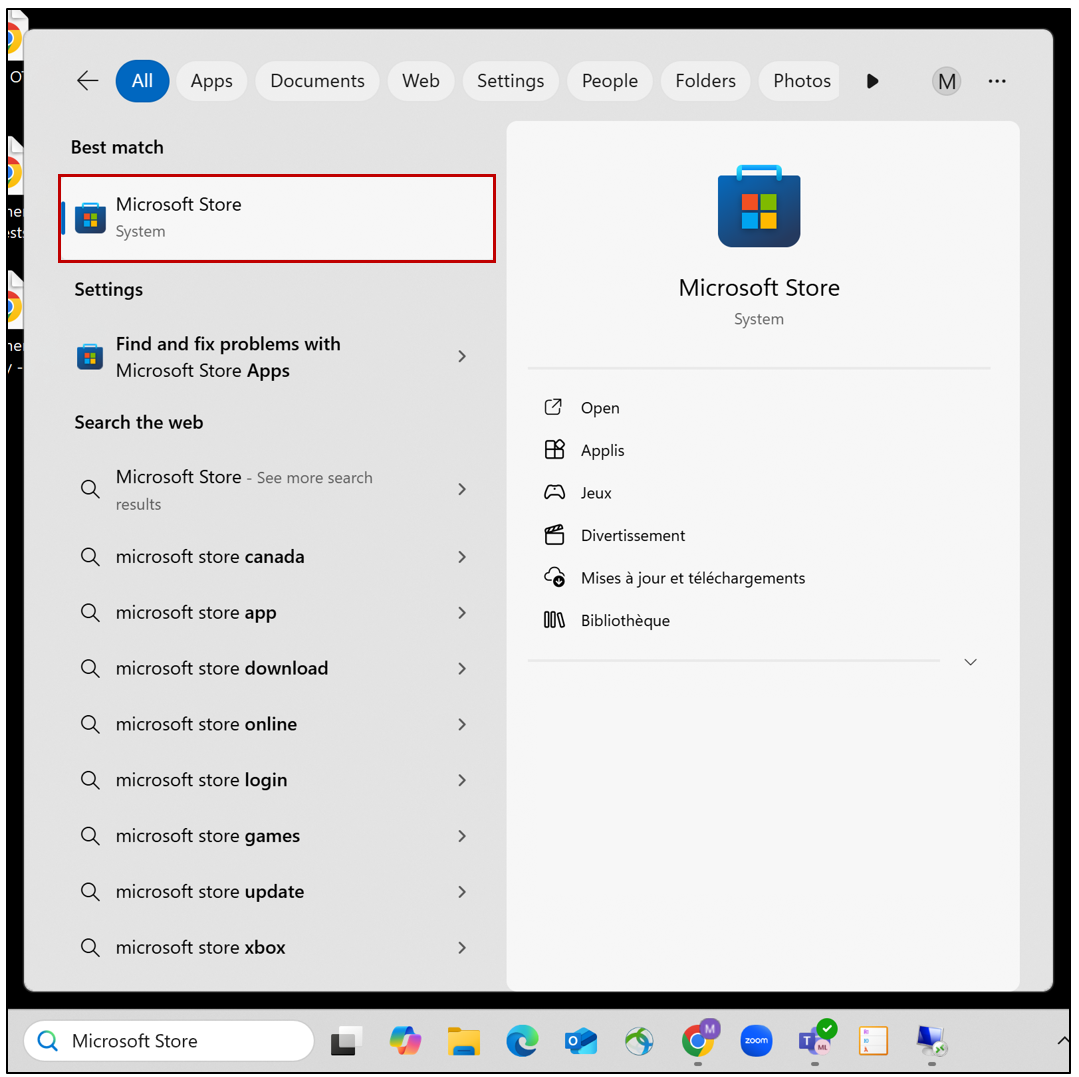
- From the search directly on your computer, you can search for the Microsoft Store app.
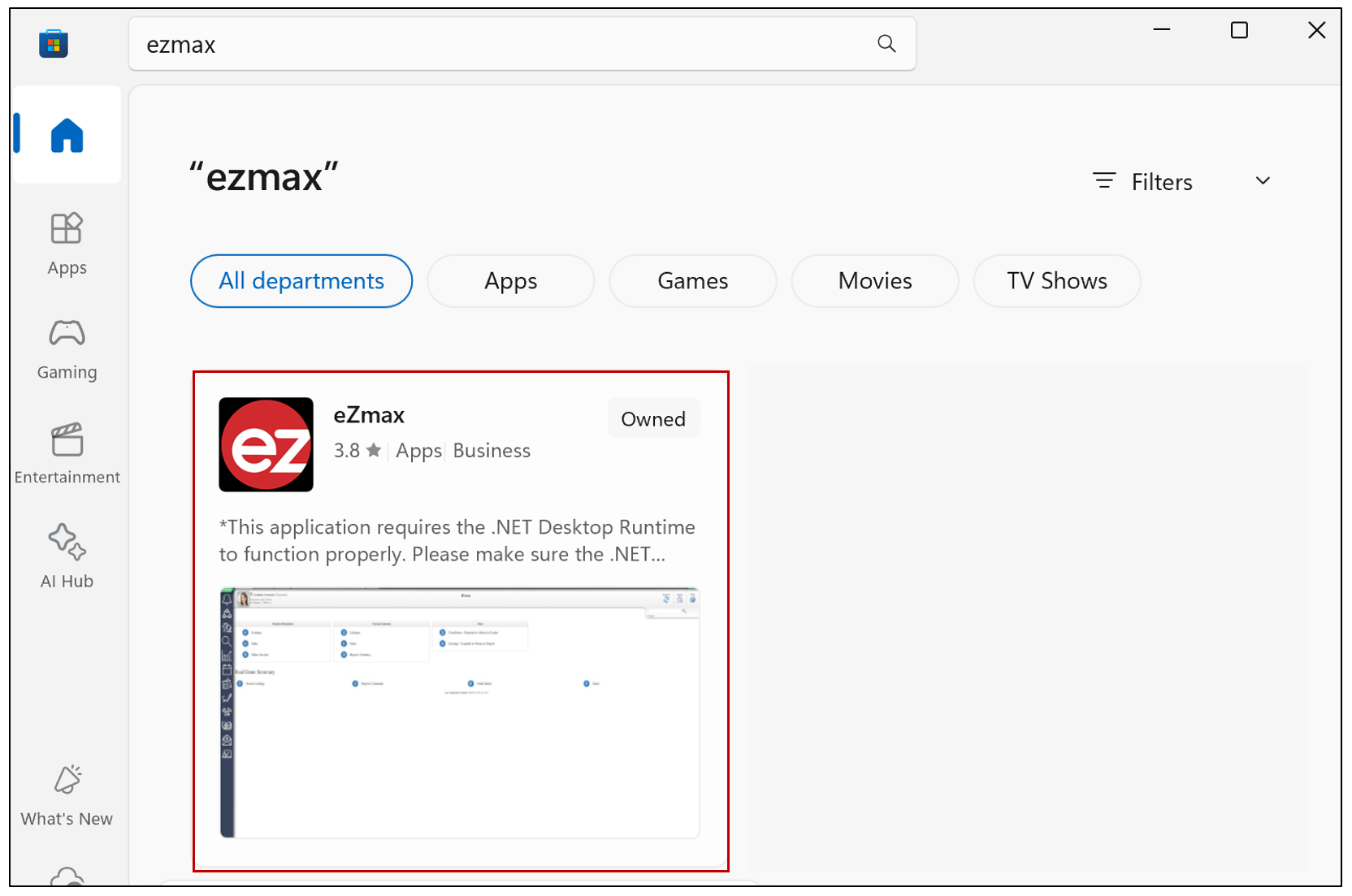
- Using the search bar at the top of the Microsoft Store, search for the app.
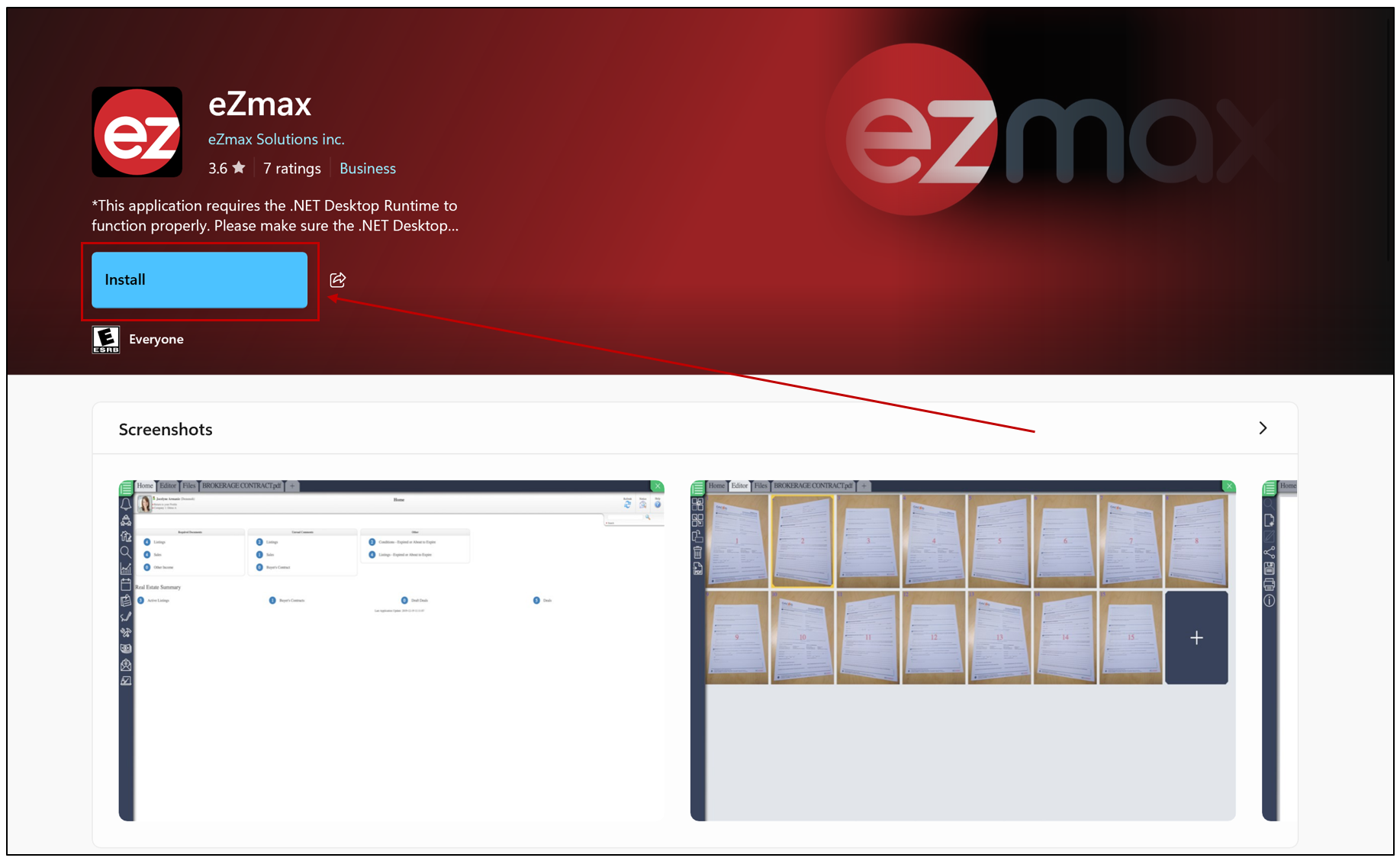
- Click on Install.
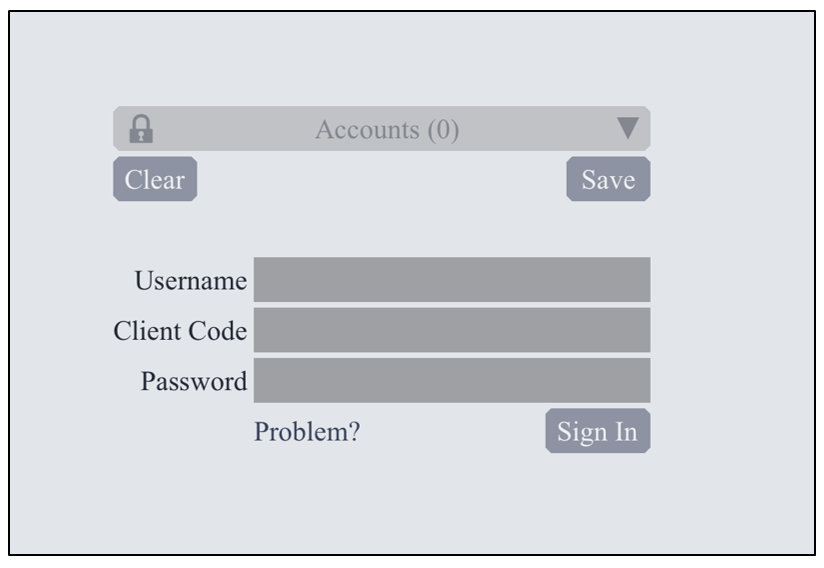
- You can then open the app and log in using your credentials.
NOTE: In order to download documents in bulk from a group send, eZsign users must install the eZmax application. No user code or login is required; however, the application must be installed to allow document importation onto their computer.
Download the eZmax Application - IOS
Here are the steps to follow:
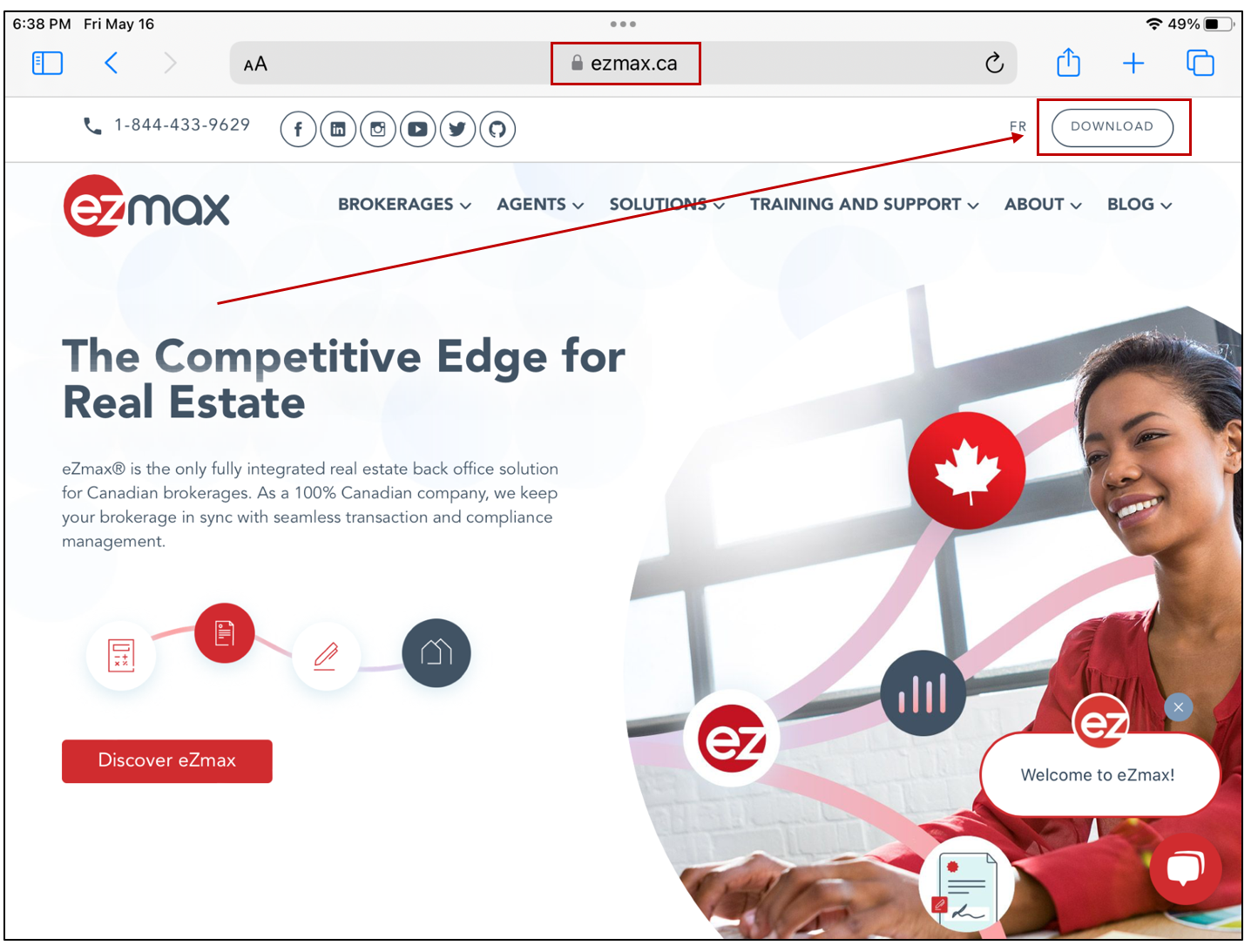
- From your browser, go to the eZmax.ca website, then select Download in the top right corner.
- If you are wanting to download the app from an iPhone or an iPad, click select Mobile. If you are wanting to download the app on your computer, use the Desktop section, select Download eZmax for MAC.
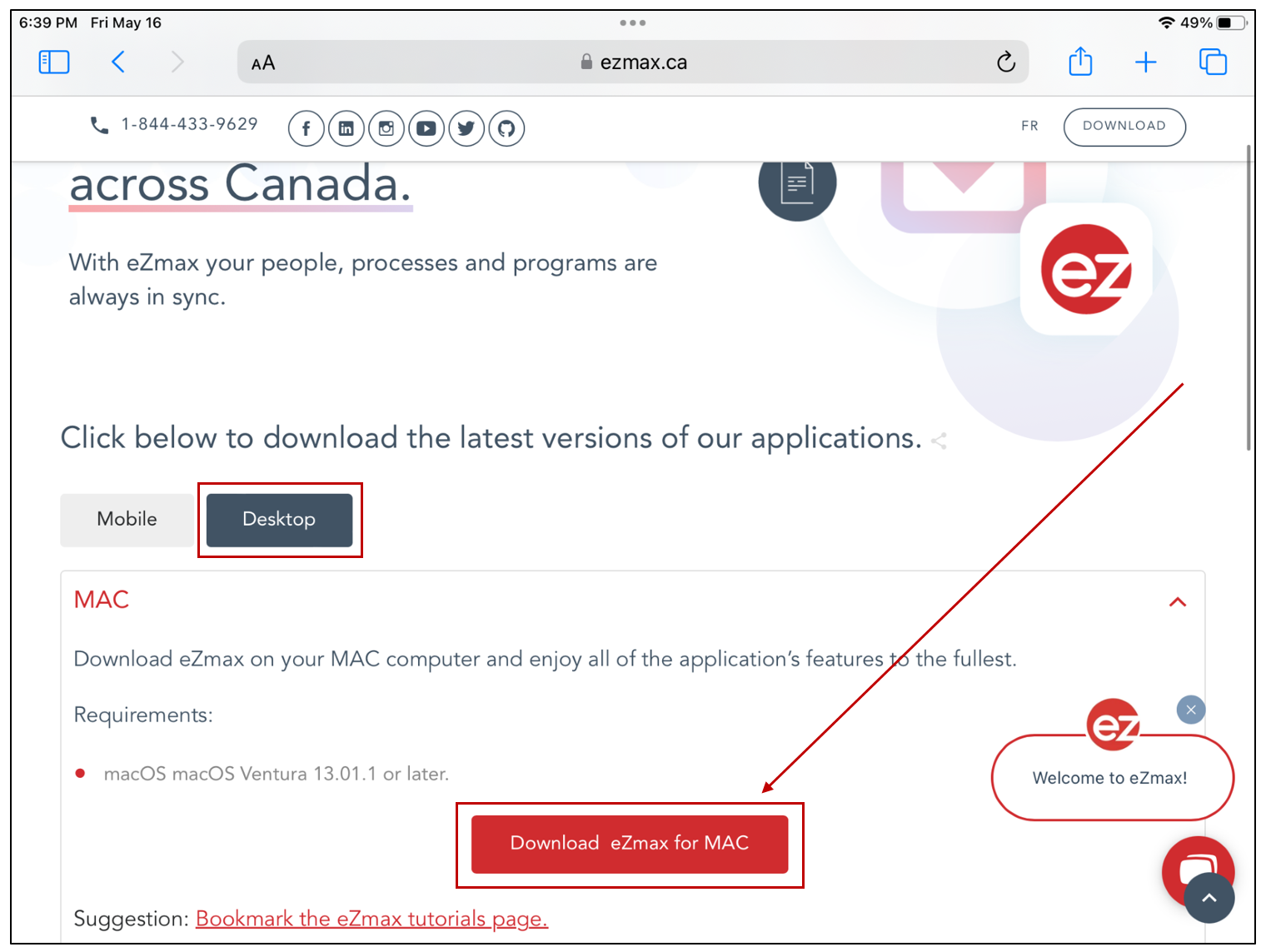
NOTE: Make sure that the required version to install the eZmax application matches your device’s specifications.
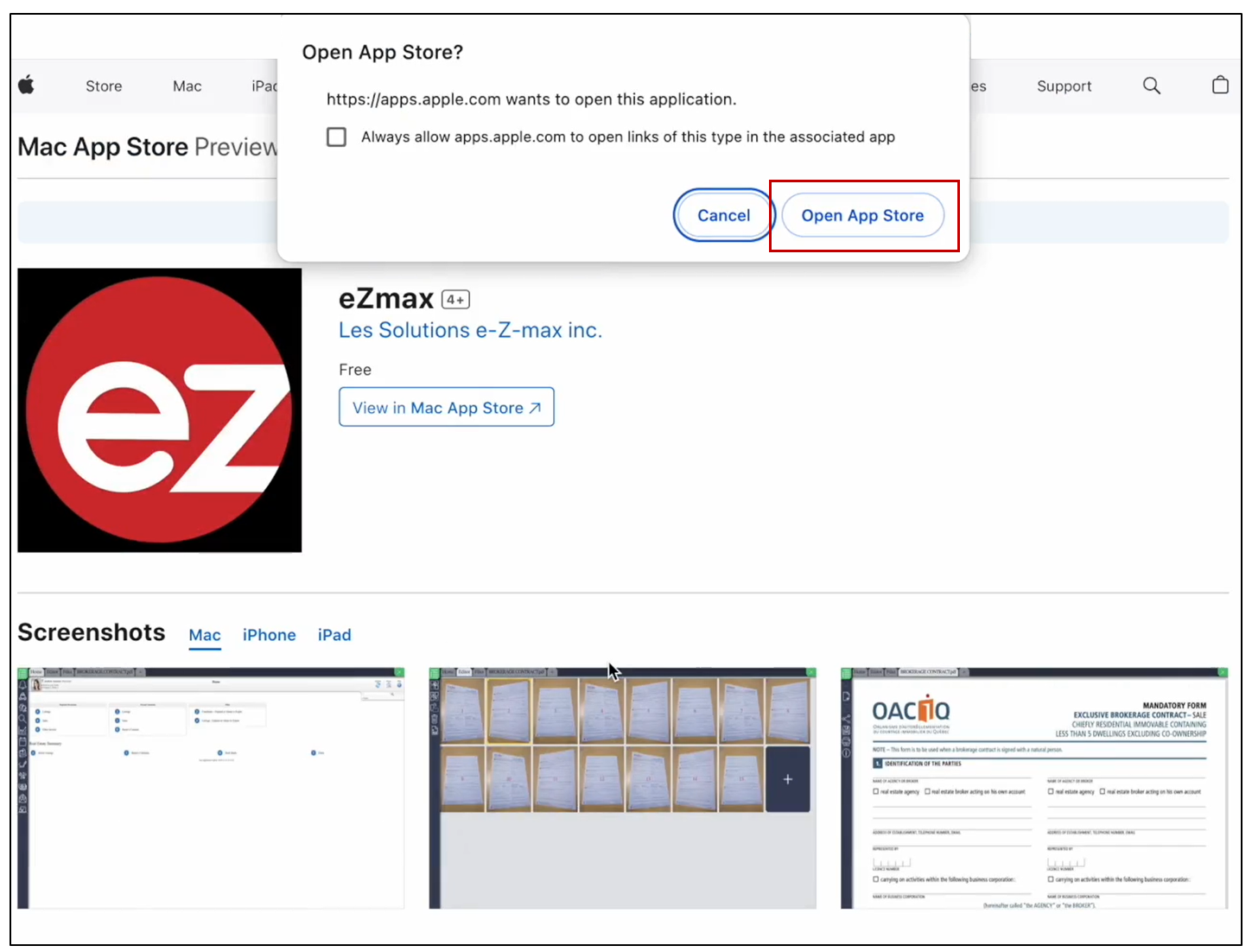
NOTE: If you want to install the application on a MAC computer, a window will appear. You will then need to click Open App Store.
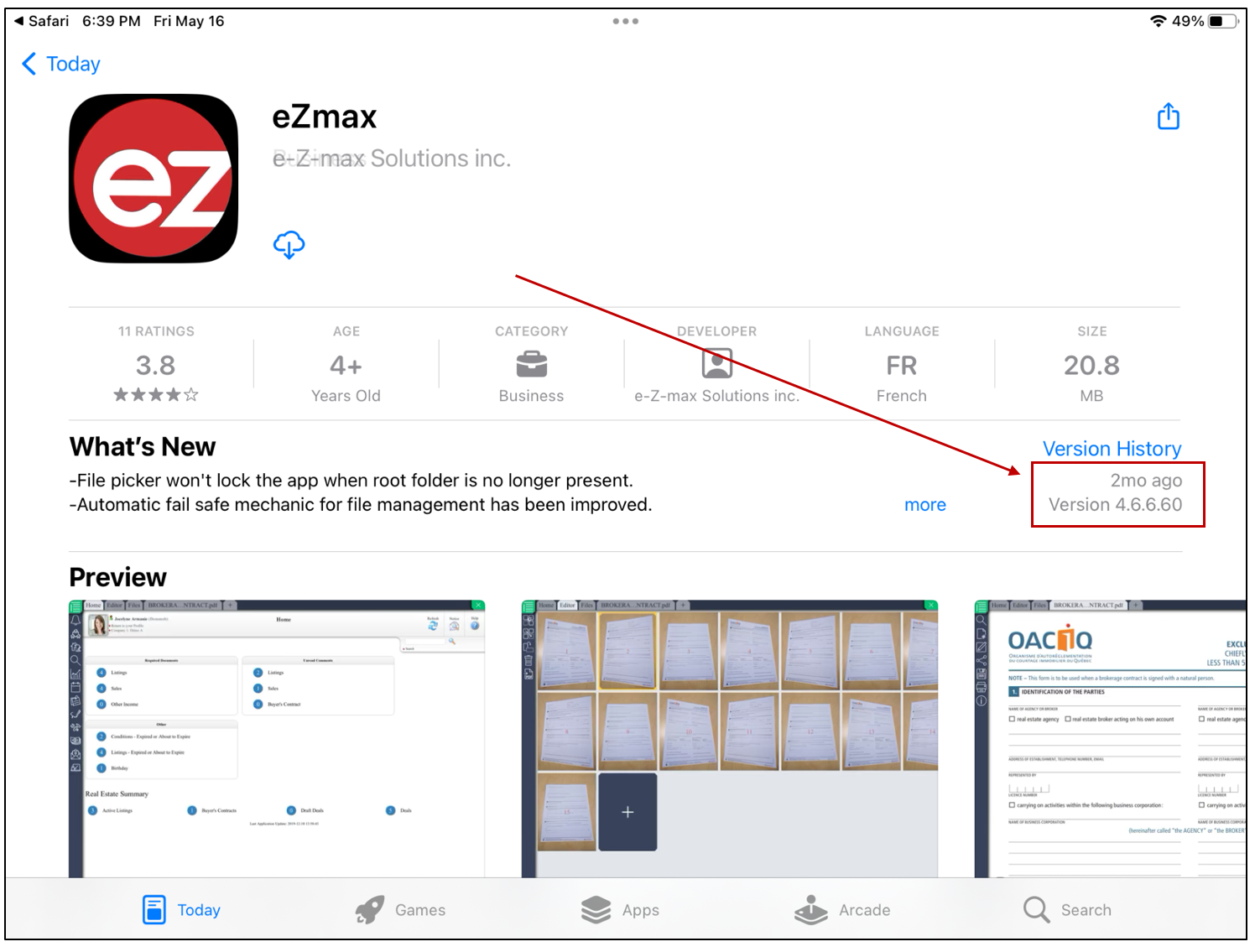
- You will then be redirected to the App Store. Click Get to install the application, or if it has been previously installed, click on the

icon.
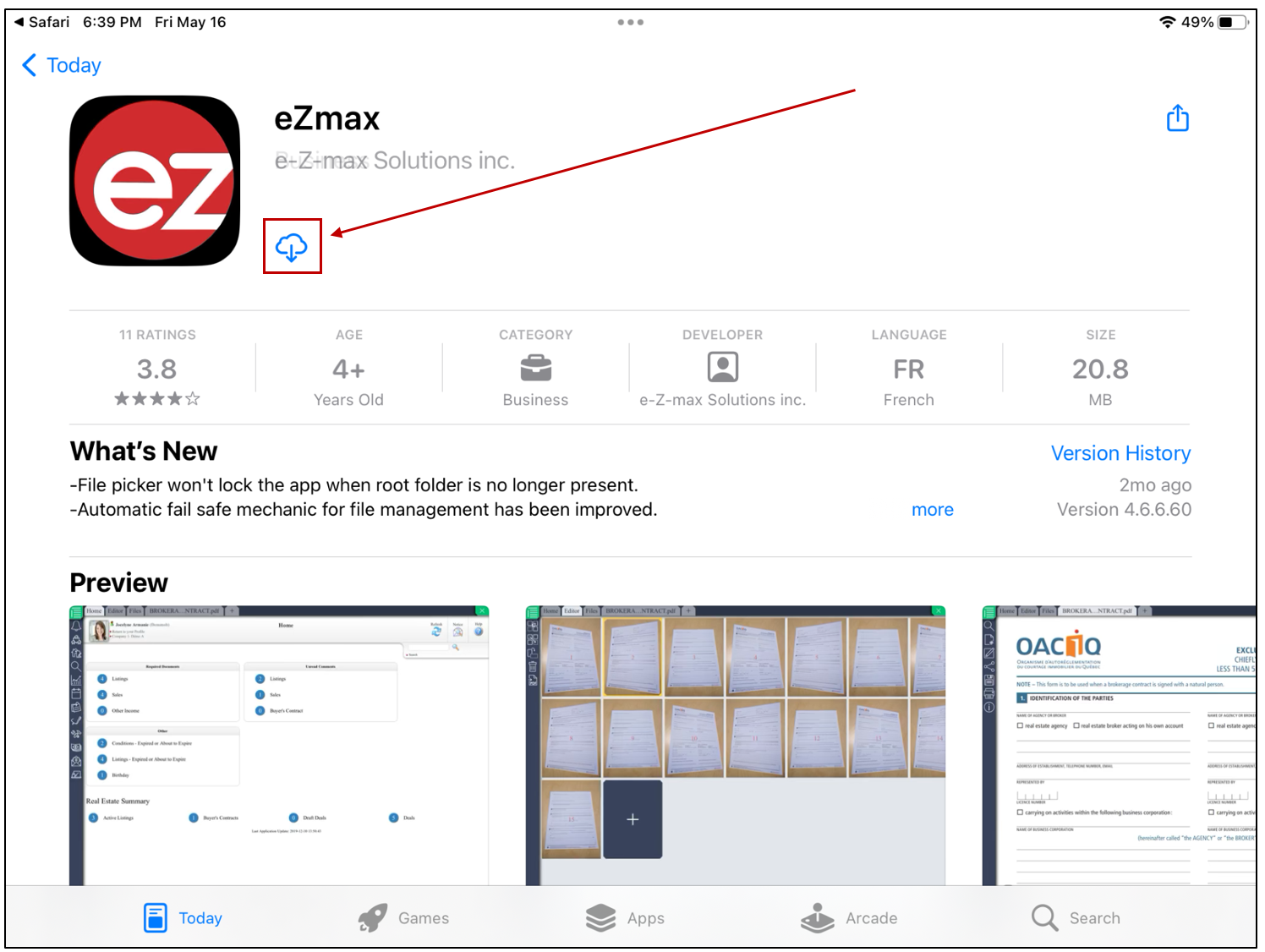
- You can view the application version under Version History.
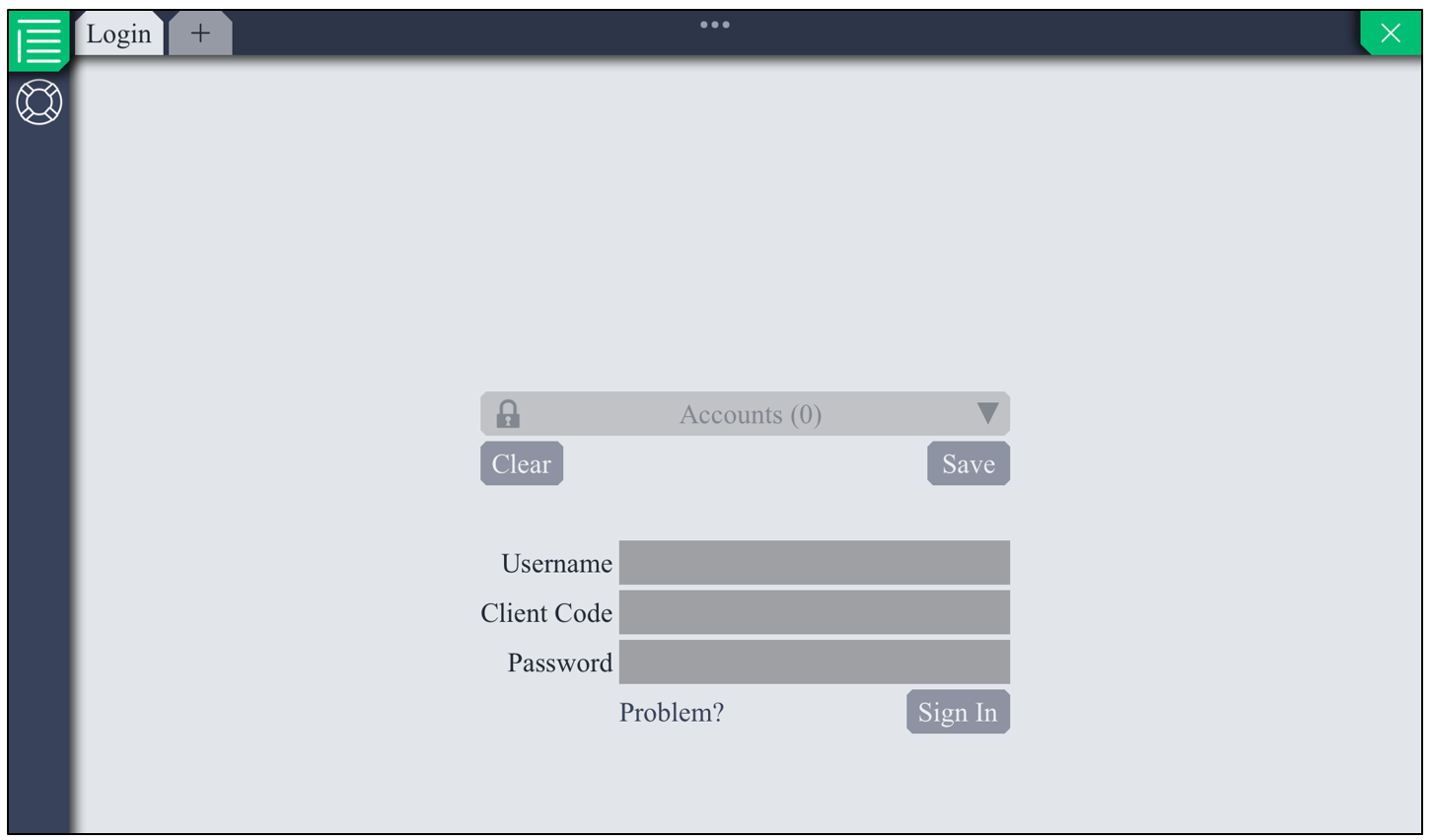
- After opening the application, you can log in using your credentials.
NOTE: In order to download documents in bulk from a group send, eZsign users must install the eZmax application. No user code or login is required; however, the application must be installed to allow document importation onto their computer.