

Français
Signing eZsign documents in eZmax (eZmax for agents)
Signing eZsign documents in eZmax
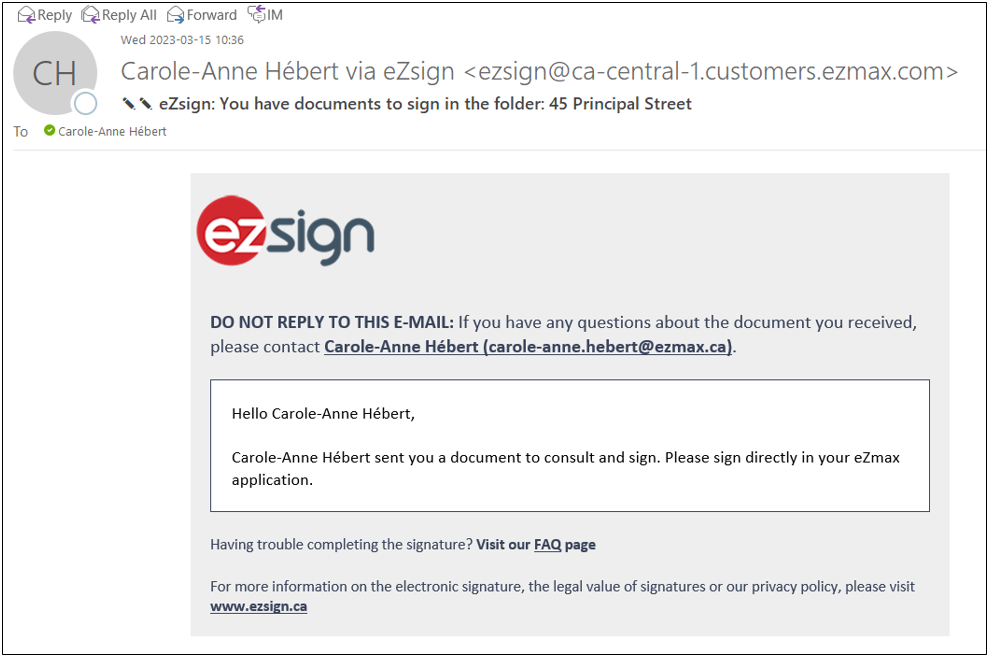
- For example, if your brokerage needs you to sign a document, you will receive a notification via e-mail.
Log in to your eZmax account.
From your home page, you will see the following notification in the "eZsign" section: "X Pending Signatures".

- Click on the number to the left of the message to access the pending signatures.
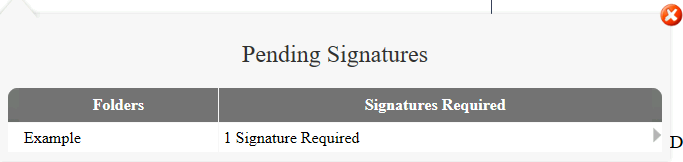
- Click on the folder name or the number of signatures required to display the document to sign.
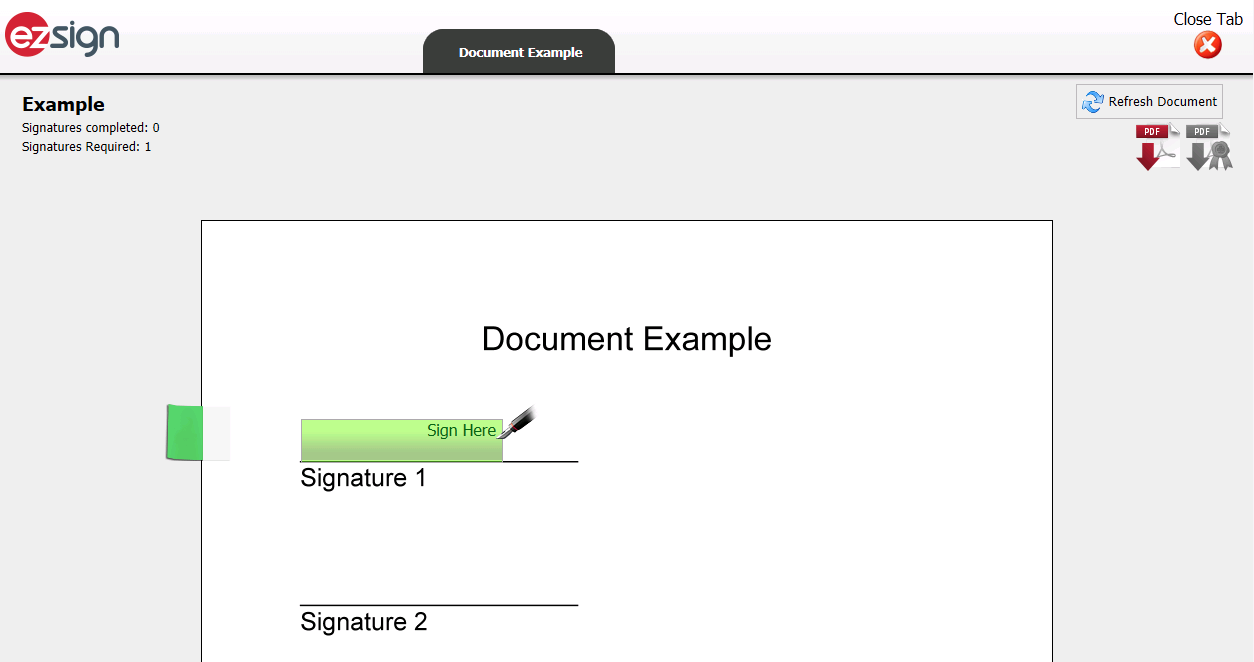
Review and sign the document where indicated.
You will receive an e-mail with the signed document that you can download.
You will also have access to this document in eZmax, in the transaction EDM.