

Français
Validity of an Electronic Signature
From the completed eZsign folder or the e-mail sent when a document is completed, it is possible to verify the validity of the electronic signatures in this document. To do so, you must open the document in Adobe Acrobat Reader. If you don’t have this (free) software, you can download it at the following address: https://get.adobe.com/reader.
From a completed folder, in the "Signature Status" section, click on Actions >> Download Signed Document, or ;
From the e-mail received when all parties have completed the signatures in the document, double-click on the PDF file (signed document).
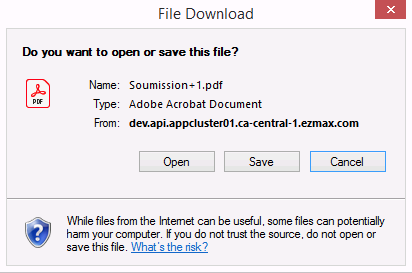
- Click on Open or Save.
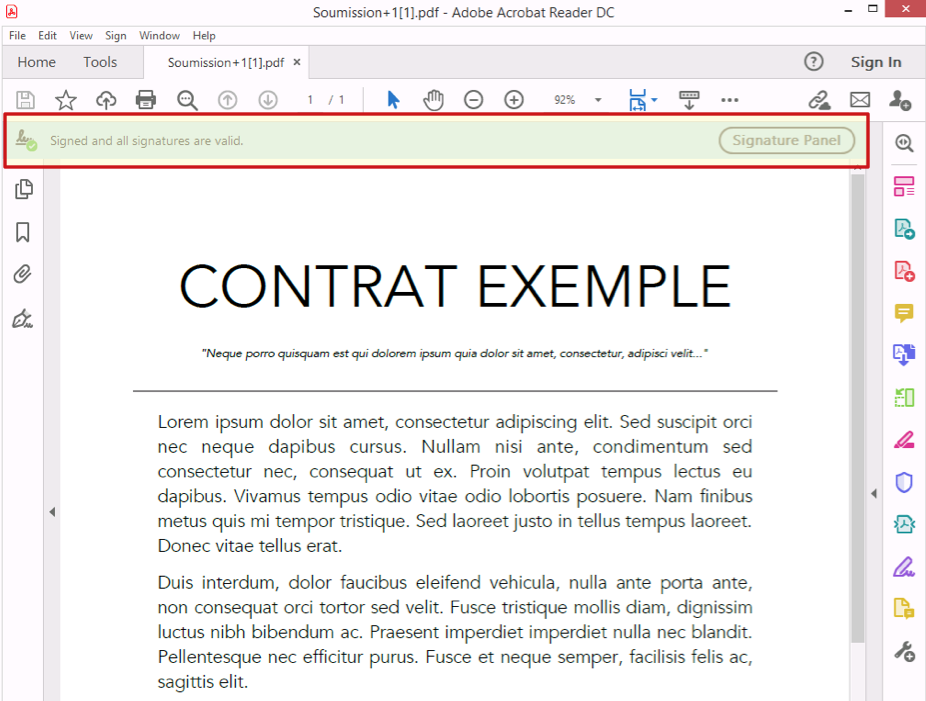
Once the verification of electronic signatures is complete, an icon is displayed in the document message bar to indicate the status of the signatures. You should see the Check Mark button and a message telling you that the document is signed and that all signatures are valid.
To display other information about the status of the signatures, click on Signature Panel.
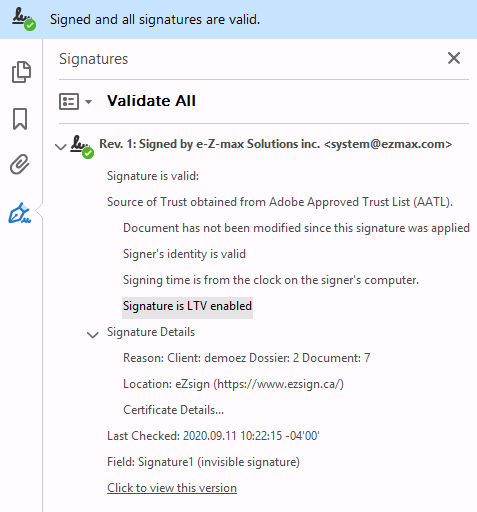
- The signature panel displays information about each electronic signature in the active document and presents a history of changes made to the document since the first electronic signature. Each electronic signature has an icon indicating the current authentication status. Authentication details are listed below each signature, providing information about the source of approval and the signatory.
Warning
Invalid signatures
Here are two reasons why an electronic signature could be invalid or simply inanimate.
Saving the document with software other than Adobe Acrobat Reader.
Print the document in PDF format.
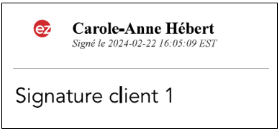
Example of a valid signature :
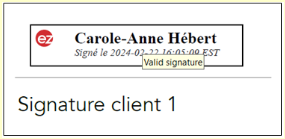
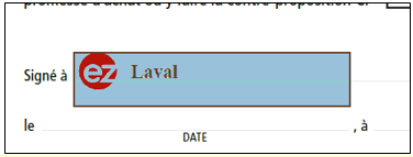
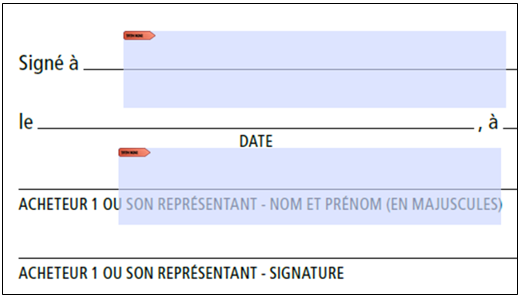
Example of an inanimate signature (no rectangle is formed, impossible to click on the signature):
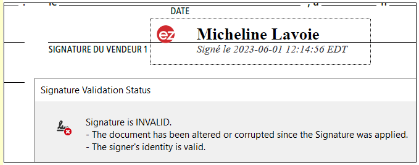
Example of an invalid signature :
NOTE : The best way to save a document sent by e-mail is to download it directly without opening it, in order to preserve its status.
Opening the file in Adobe Acrobat Reader will not cause any problems. However, using Adobe Acrobat Reader Pro to edit PDF documents will also invalidate signatures following modification.